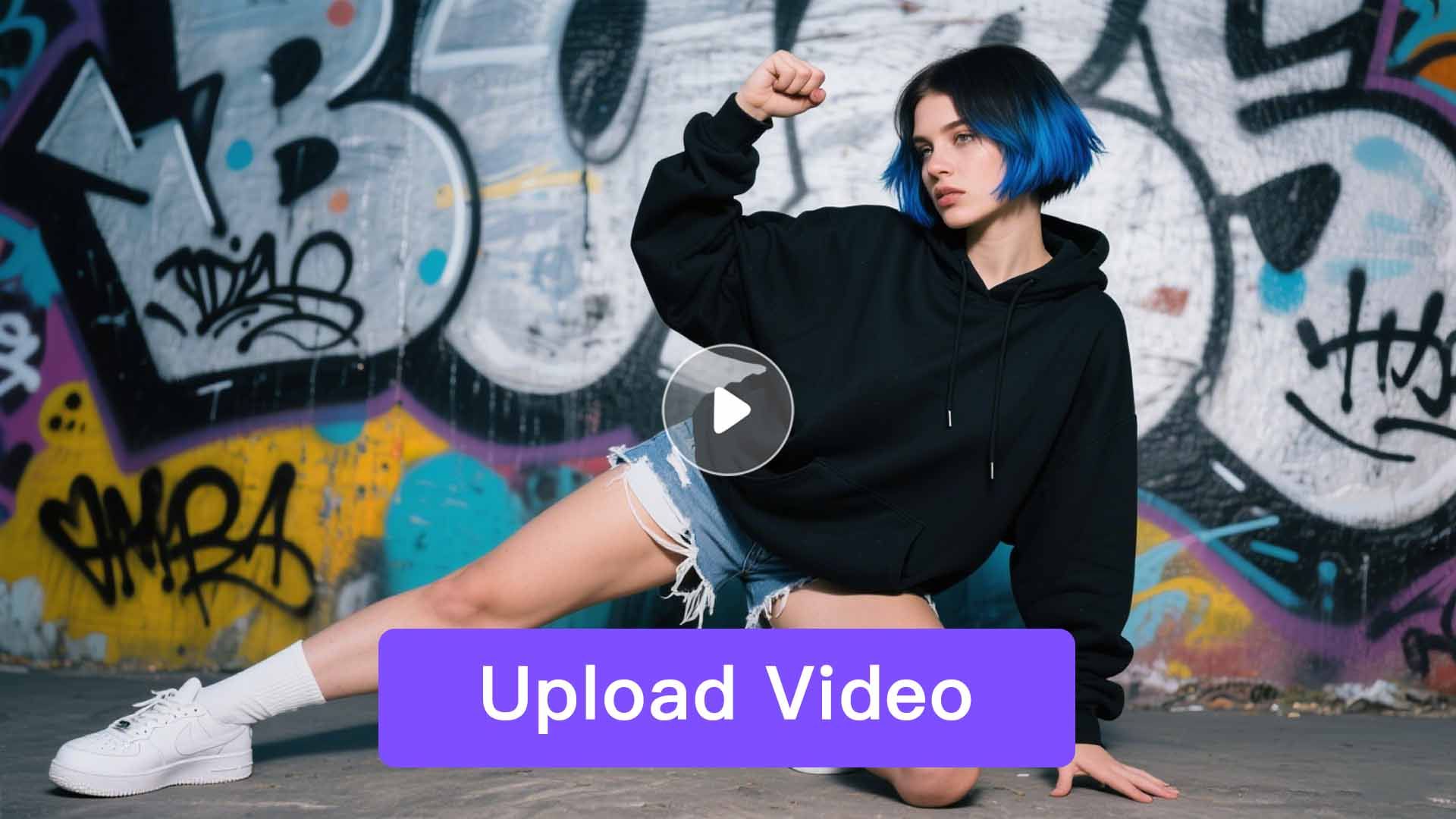
Upload Motion Video
Pick a template and upload it to start your animation.

Seeking an AI Video Generator? Unlock Next-Gen Actor Animation with HeadSwap. Our Powerful Static-to-Video Tool, driven by the Wan 2.2 Animate Model, is a must-have for all creators.
Follow three simple steps to turn any photo into a lifelike animation with our Actor Animation tool.
Pick a template and upload it to start your animation.
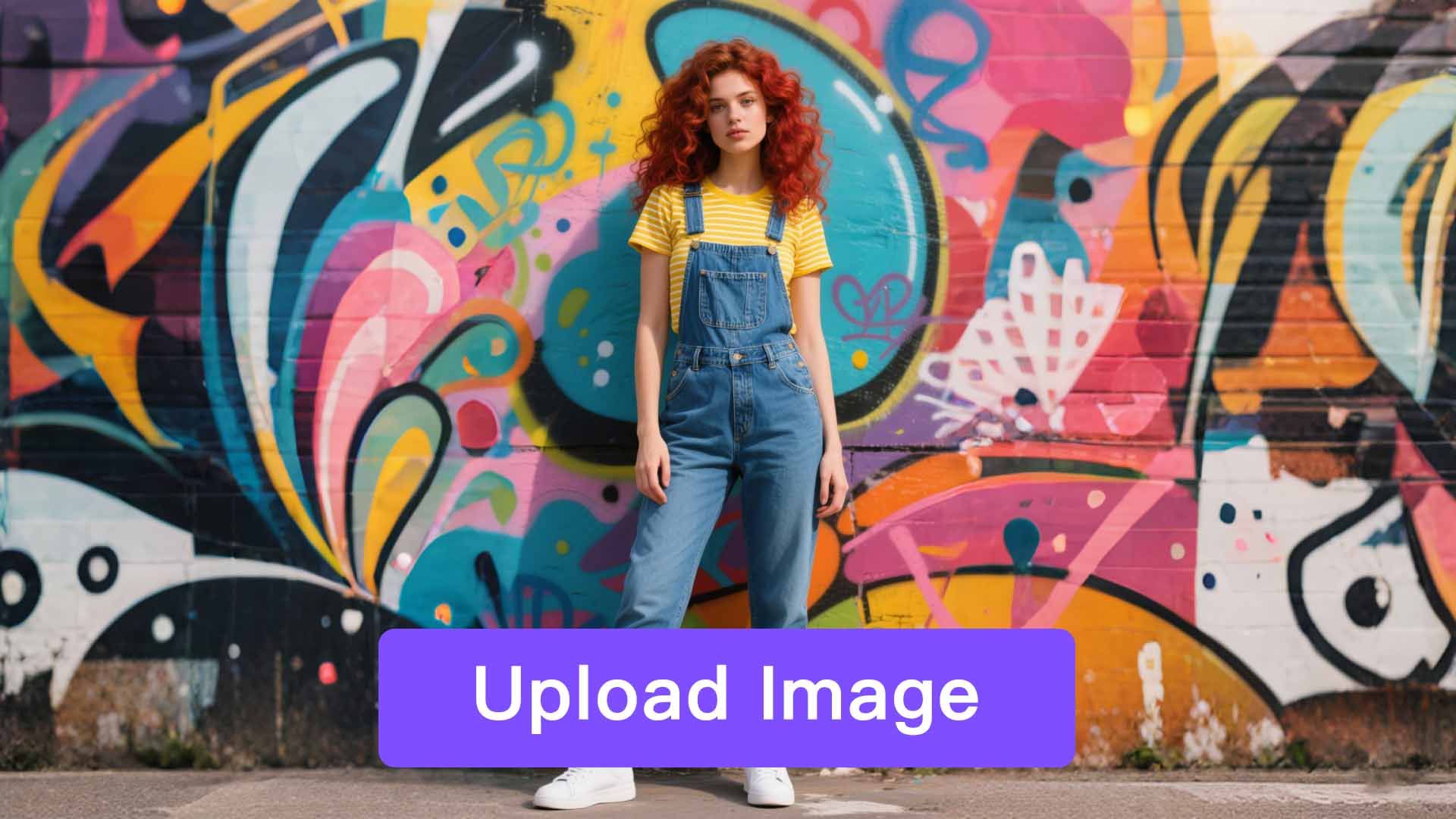
Just select the portrait image you'd like to work with and upload it.
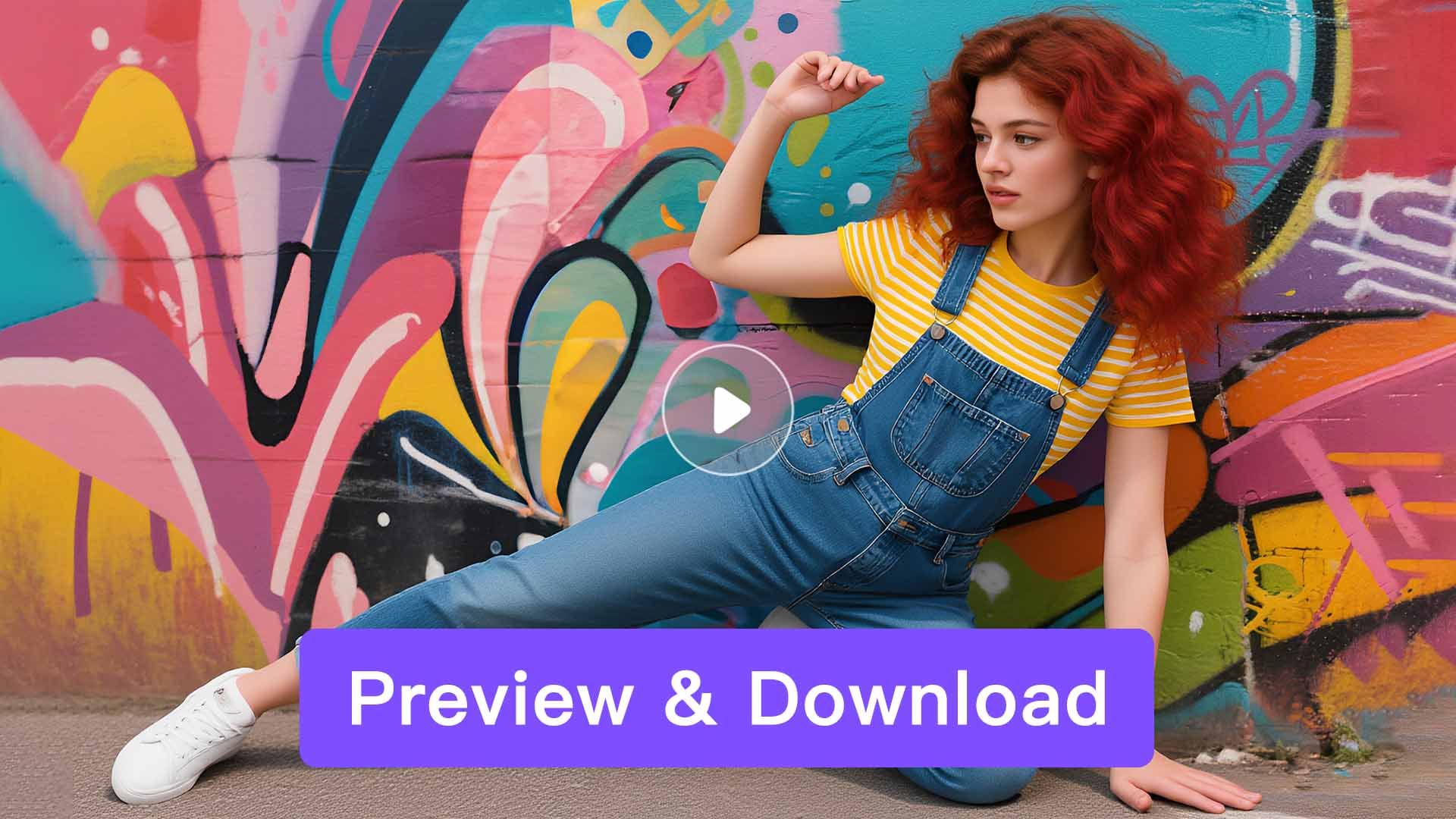
Preview the animated video and then download it safely.
Bring your photos to life in just a few clicks. Transform your images into lively dance videos—no experience needed! Share or download instantly.
Try It NowUpload photos as instructed, whether it's your own or a friend's 'private photo.' In just a few minutes, you can generate a lifelike dance video that perfectly preserves the original appearance. Enjoy a simple, foolproof process that delivers stunning results every time.
Try It NowAI-generated dance videos are now everywhere on TikTok. With HeadSwap, create trending videos with just a few clicks. Save the AI-generated dance videos and share them on TikTok or Instagram to stay ahead of the trends.
Try It NowPay once, and unlock access to a wide range of powerful AI features — no need to pay per generation. Whether it's video creation, voice cloning, or image processing, everything is included. Create more, spend less.
Powered by HeadSwap's industry-leading technology our tools deliver natural, realistic, and detailed outputs. From visuals to audio, every result is crafted to match professional standards.
No usage limits — generate as much as you want, whenever you want. Experiment with styles, iterate freely, and bring all your creative ideas to life without worrying about running out of credits. Your creativity never hits a wall. Looking for more AI character tools? Try AI Avatars, Face Swap, Head Swap, Talking Photo, or Actor Animation on HeadSwap.
Not at all. HeadSwap handles all the heavy AI processing in the cloud, so you don’t need a GPU, video editing software, or any local installation. All you need is a web browser and an idea — upload your motion reference and portrait, and HeadSwap generates the animated video on its servers. Works on any laptop, desktop, tablet, or phone with a modern browser.
A clear video with smooth, moderate movements works best for Actor Animation. High-energy, erratic motions can sometimes result in blurriness or motion artifacts in the output. For best results: use a single-person video with a clean background, even lighting, the subject fully in frame, and movements like dancing, walking, or simple gestures. The quality of your input directly impacts the quality of the final animation.
Yes, HeadSwap Actor Animation is built for users worldwide and is designed to be intuitive for all skill levels — no video editing experience required. The 3-step workflow (upload motion video, upload portrait, generate) makes it accessible to creators, marketers, and casual users alike. HeadSwap’s mission is to make AI tech fun and accessible, encouraging more audiences to experiment with creative AI.
Yes! Everything is possible with HeadSwap AI. To make a photo talk, head to HeadSwap Talking Photo— upload a portrait, add an audio file or text-to-speech script, and the MultiTalk model animates the face with realistic lip sync. You can also pair Actor Animation with Talking Photo to combine dance motion with lifelike speech, plus voice clone for personalized narration in the same workflow.
Absolutely. Once your Actor Animation video is generated, you can easily download it and share on popular social platforms — TikTok, Instagram Reels, YouTube Shorts, X, Facebook, and more. Show off your unique dance moves, parody videos, or branded content and watch them go viral. Output is HD-quality and ready for social with no extra editing required.
Yes. You can use HeadSwap’s AI Text-to-Image tool to generate images of a target person from a text description, then upload that image into Actor Animation to animate it. HeadSwap hosts multiple image models including GPT Image 2, Seedream 4.5, and Nano Banana 2 for portrait generation.
Yes. Videos created with HeadSwap Actor Animation on paid subscription plans can be used for commercial purposes — ads, social media monetization, branded content, parody campaigns, and creative client work. You retain full ownership of the output, with no watermark and no per-clip royalties. For high-volume creators, the Premium plan unlocks priority generation, faster processing, and higher daily limits.
Yes. New users receive bonus credits on signup so you can start using Actor Animation immediately — no credit card required and no waitlist. There are no daily generation limits on the free plan. Paid plans are available for higher-volume usage, priority queue, and commercial rights. Actor Animation runs fully online on HeadSwap — no GPU, no setup, no API key required.