Input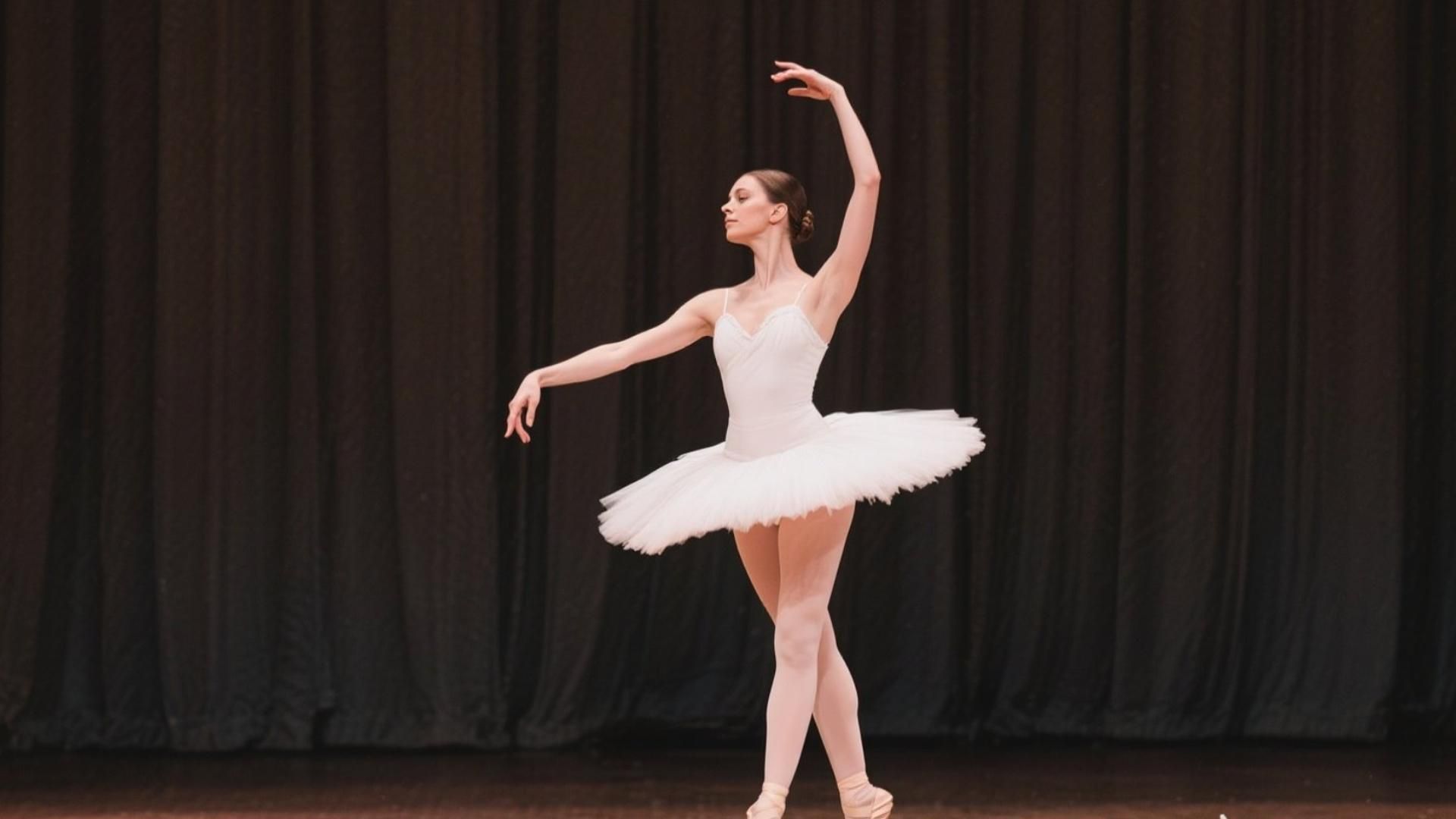
Output
Prompt: A graceful ballerina spinning elegantly on a grand stage, delicate movements, soft lighting, slow motion effect, high detail.

Turn any photo into a stunning 4K video with AI. Animate images, bring portraits to life, and create cinematic photo-to-video clips — fast, free, and no credit card required.
Try it nowPrompt: A graceful ballerina spinning elegantly on a grand stage, delicate movements, soft lighting, slow motion effect, high detail.

Prompt: A woman riding a horse slowly across a vast grassy field, her hair flowing with the motion, in slow motion.
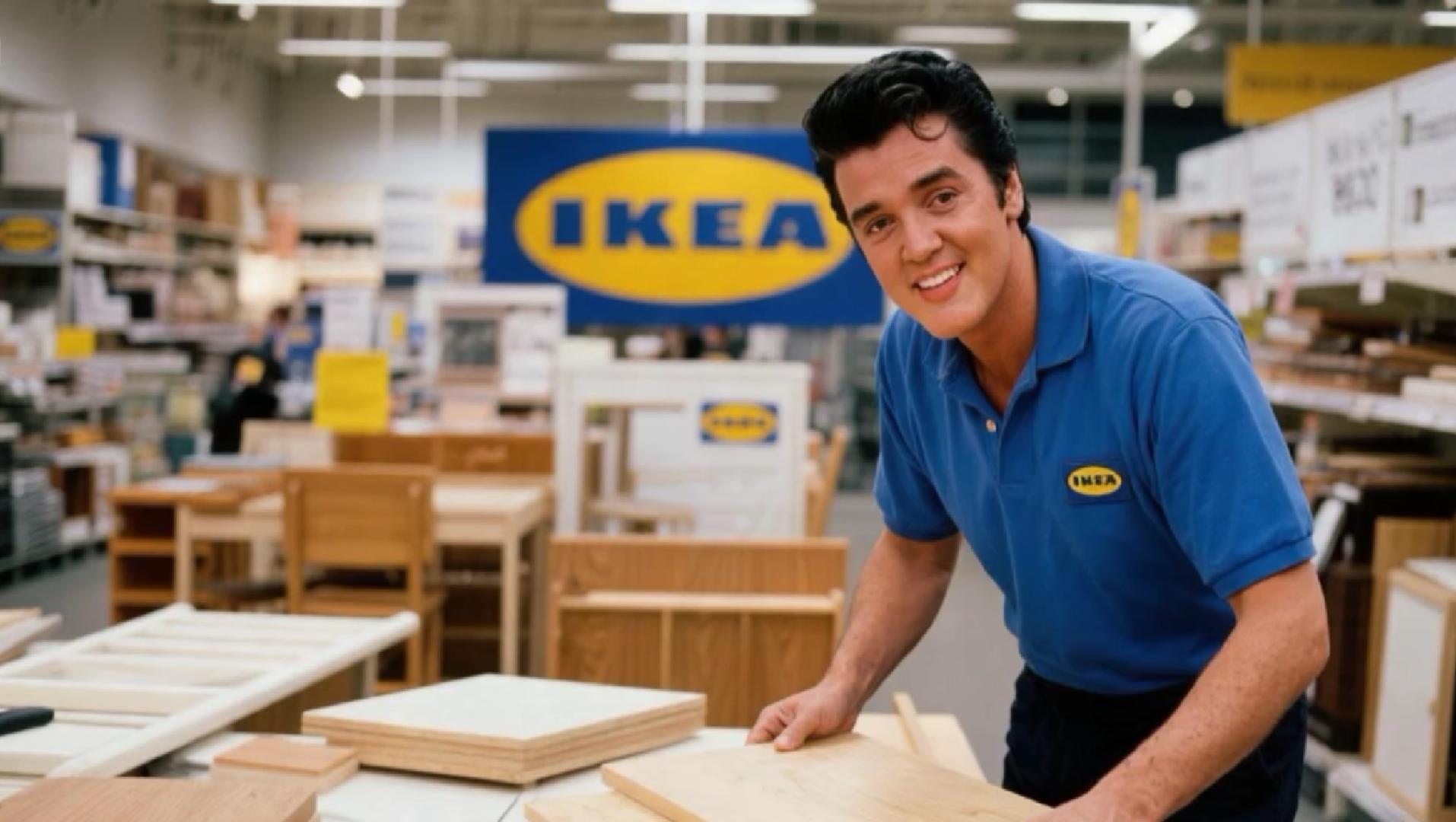
Prompt: A man smiling and talking, showing natural expressions and smooth body gestures, in a well-lit indoor setting.
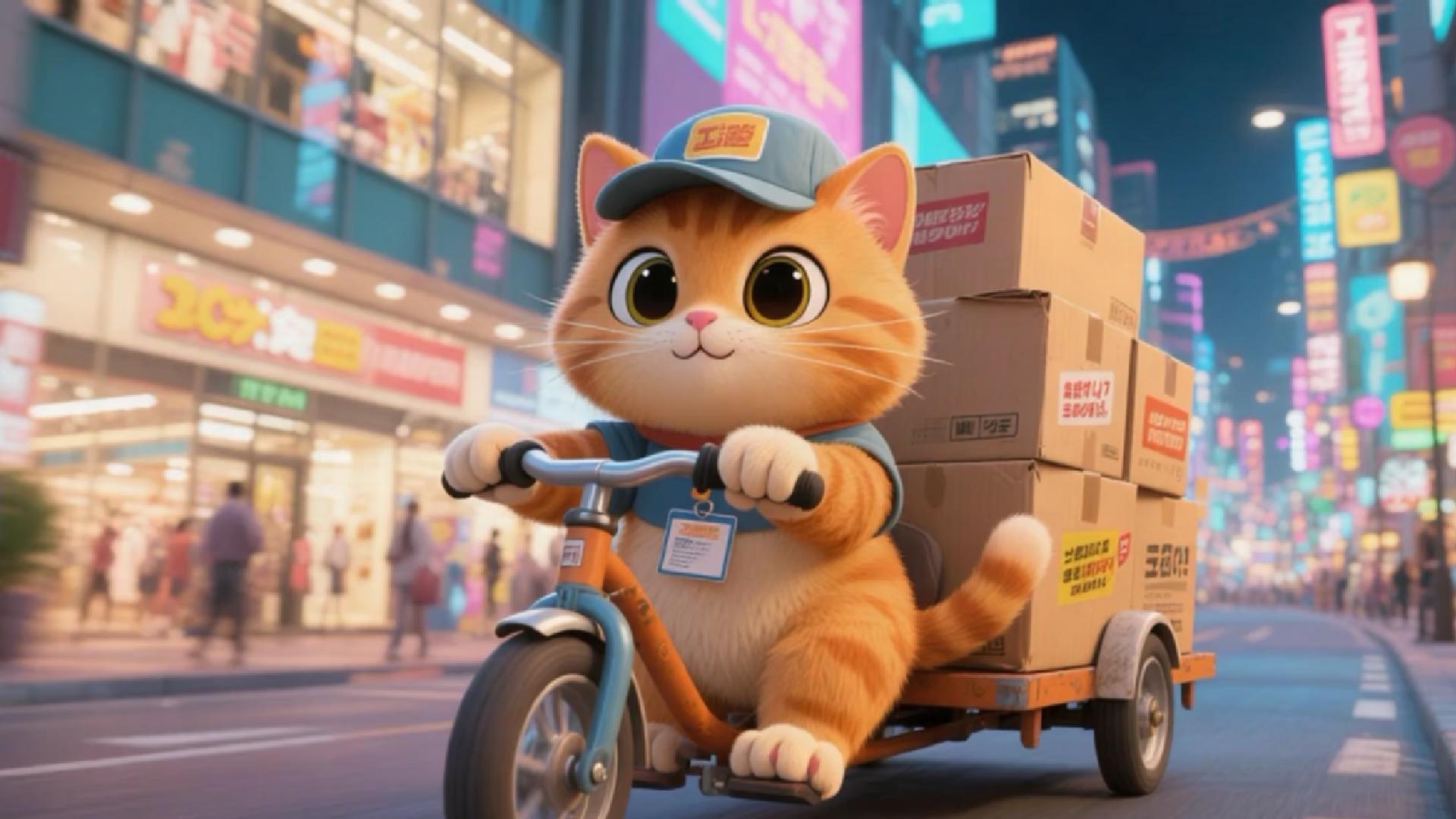
Prompt: An orange cat riding a tricycle, smiling at the camera, waving at pedestrians, with expressive facial features and natural movements.
Our AI photo to video generator makes it effortless to animate any image. Upload your photo, describe the motion you want, and our AI brings your photo to life in seconds — no editing skills, no software downloads required.
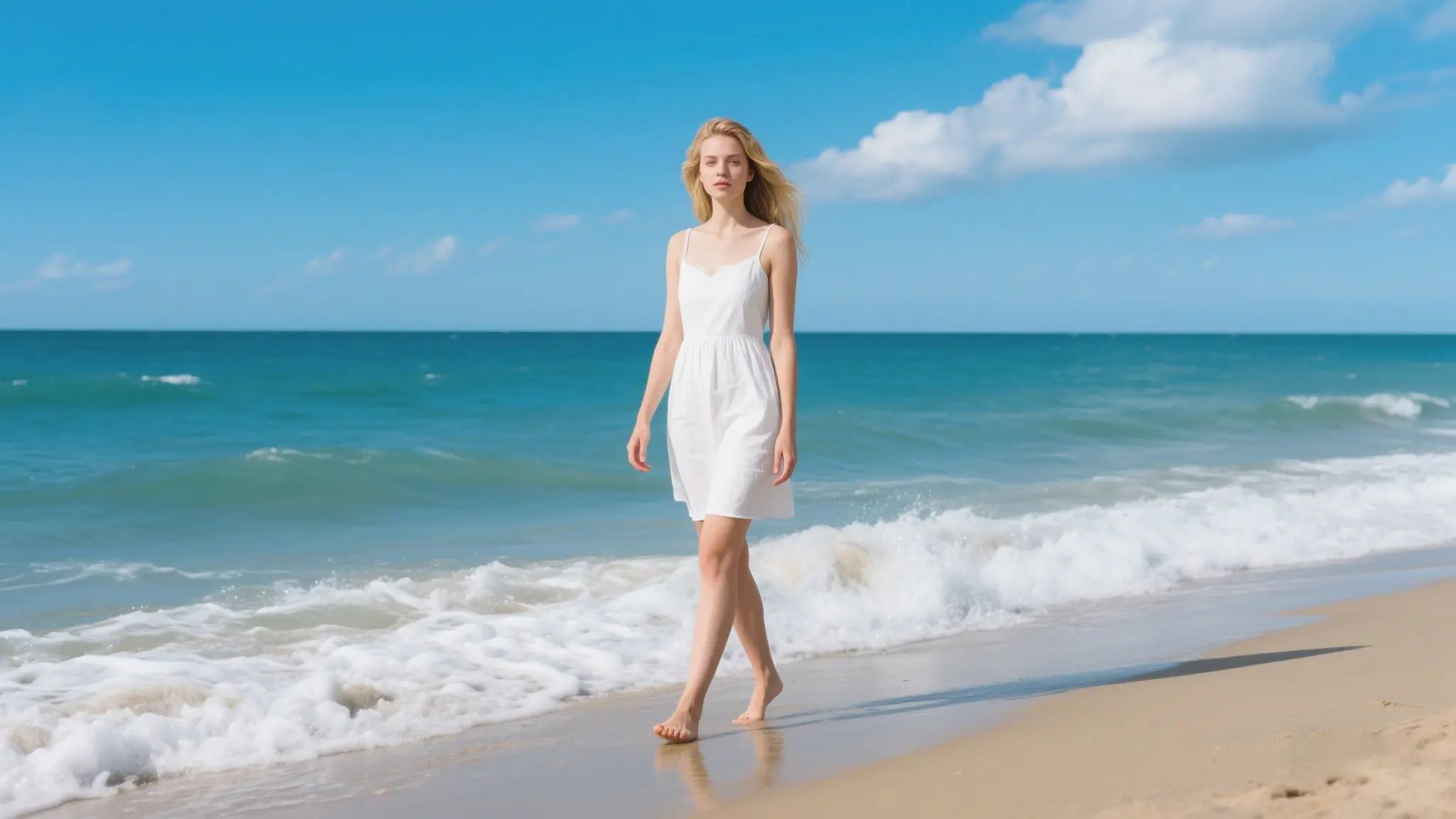
Professional Results, Effortlessly
Create professional 4K videos from your images for free. Whether you want to animate a photo, generate a portrait video, or convert product shots into dynamic ads, HeadSwap delivers sharp visuals and smooth motion every time.
Seamless Character Continuity
Animate images with confidence — our AI keeps faces lifelike and identities consistent throughout the video. Perfect for bringing old photos to life or creating talking portraits.
Simple and intuitive UI
Experience the ultimate ease of transforming your photos into short videos with just a few clicks and a simple prompt, no technical skills or prior video editing experience are required.
Supercharge your platform with HeadSwap's powerful, easy-to-use API. Deploy lifelike streaming avatars, automate global video translation, create talking photos, swap faces, and more — all at scale.Reimagine what your business can do with real-time, AI-powered interaction.
Try it now
Turn static images into dynamic videos for social media in minutes. No filming, no editing — just upload and generate scroll-stopping content. Perfect for TikTok, and YouTube Shorts.
Convert product shots into professional videos to boost ad performance and engagement. Animate, caption, and voiceover—all powered by AI. No studio or editing team needed.
Unlike Runway, Pika, or Kling — which each rely on their own single proprietary AI model — HeadSwap is an aggregator platform that gives you access to multiple leading AI video models in one place, including Kling, Wan, Seedance, HappyHorse, Veo, and Sora 2. This means you can compare results from different models and pick the best output for each project, without paying for separate subscriptions. Plus, HeadSwap offers daily free credits, no credit card requirement, and an uncensored creative experience.
HeadSwap generates most image-to-video clips within 10-30 seconds, depending on the chosen model, video length, and current server load. Premium users enjoy faster priority processing with no daily limits,while free users may experience slightly longer wait times during peak hours.Most clips are 5-10 seconds long, with select models supporting durations up to 15-20 seconds. For longer videos, you can combine multiple clips using our editing tools.
HeadSwap supports multiple leading AI video models in one platform, including HappyHorse 1.0, Wan 2.6, Wan 2.7, Kling 2.6, Kling 3.0, Seedance 1.5 Pro, Seedance 2.0, Veo 3.1, and Sora 2 Pro. You can switch between models to compare results and find the best fit for your style, motion complexity, and quality needs — all from a single account.
Yes. HeadSwap's image-to-video tool — also known as a photo-to-video AI generator — lets you animate any still photo into a dynamic 4K video in just seconds. Simply upload your image, describe the motion you want, and our AI does the rest. Unlike a slideshow or GIF maker, HeadSwap animates the actual subject inside your photo for true cinematic motion.
Yes, HeadSwap offers a generous free tier. When you register, you receive free credits — enough to generate several videos right away. After that, you earn 30 free credits every day at no cost. For unlimited generation, no watermark, and priority processing, you can upgrade to a premium plan starting from $14.9/one-time.
Yes. Your uploaded content is securely processed with industry-standard encryption and is never shared with third parties. We respect your privacy and you retain full ownership of all videos you generate.
Yes, you can use HeadSwap-generated videos for commercial projects — including ads, social media marketing, product demos, and YouTube monetization — provided you own or have rights to the source images you upload. For full licensing terms and enterprise use cases, please refer to HeadSwap's Terms of Use.
HeadSwap can animate most images including portraits, full-body photos, product shots, landscapes, AI-generated artwork, and even cartoon characters. For best results, use high-resolution, well-lit images with clear subjects. HeadSwap supports PNG, JPG, JPEG, and WEBP formats up to 20 MB and can generate videos in up to 4K resolution. Avoid blurry, dark, or extremely low-resolution photos for optimal output.
HeadSwap's Image-to-Video tool is a free AI video generator that transforms still photos into dynamic 4K videos with realistic motion. Powered by leading AI models including Wan, Kling, Seedance, Veo, and Sora, it lets creators animate portraits, products, landscapes, and AI-generated artwork — no video editing skills or software downloads required. Just upload your photo, describe the motion you want, and bring your photo to life in seconds.
Turn any photo into a stunning 4K video with AI. Animate images, bring portraits to life, and create cinematic photo-to-video clips — fast, free, and no credit card required.
Try it now