Enter Description
Describe the image you want to generate in detail, including style, colors, composition, etc. The more detailed, the better the result.

Google's Gemini 2.5 Flash-powered AI image model for high-consistency editing, multi-image fusion, and precise prompt control.
Combining generation and editing technologies to support creation from scratch or precise modifications to existing images.
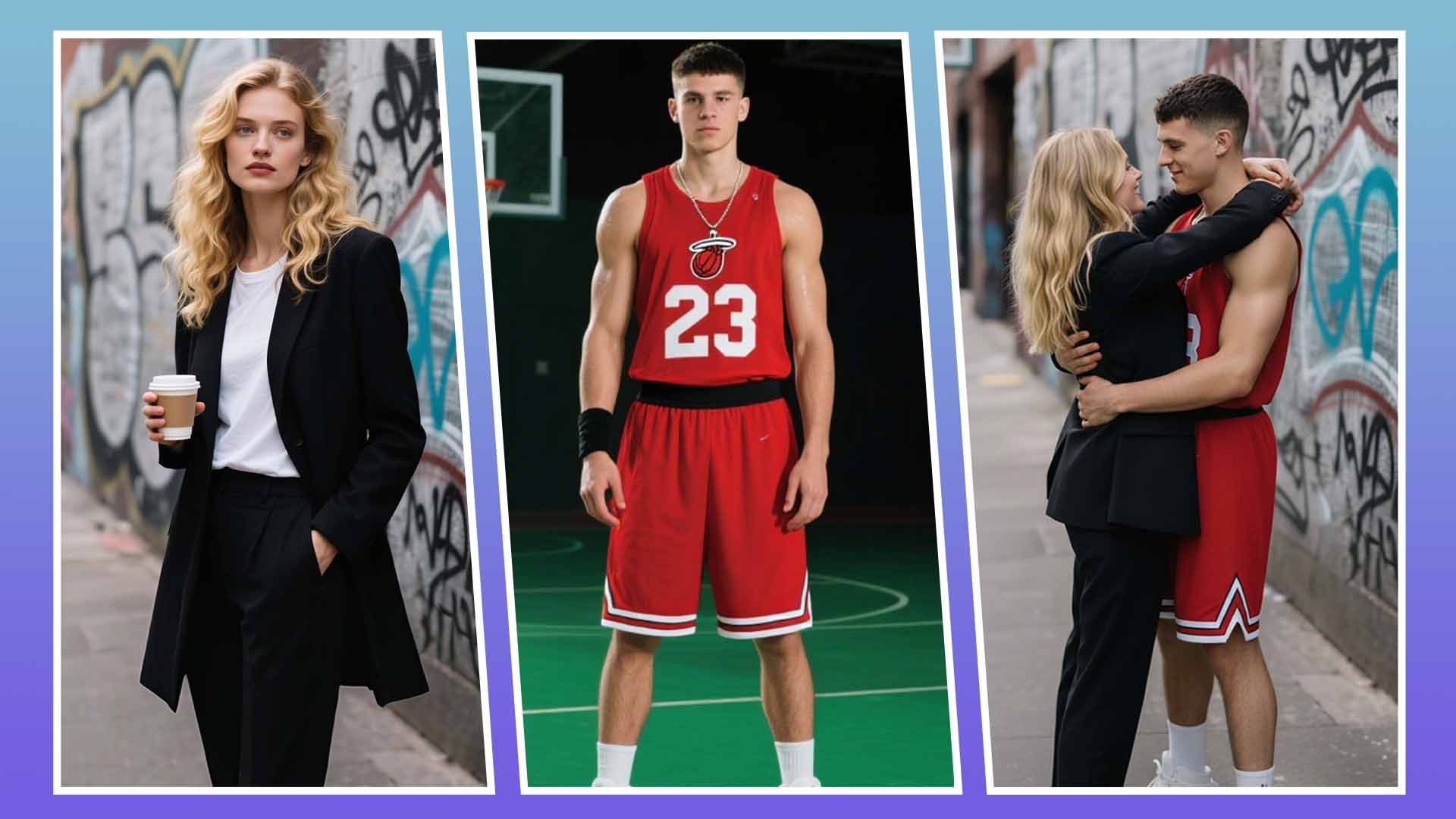
Use Nano Banana Pro entirely online — no downloads, no API keys required. Your images are processed securely and never stored or used for training.
Try It Now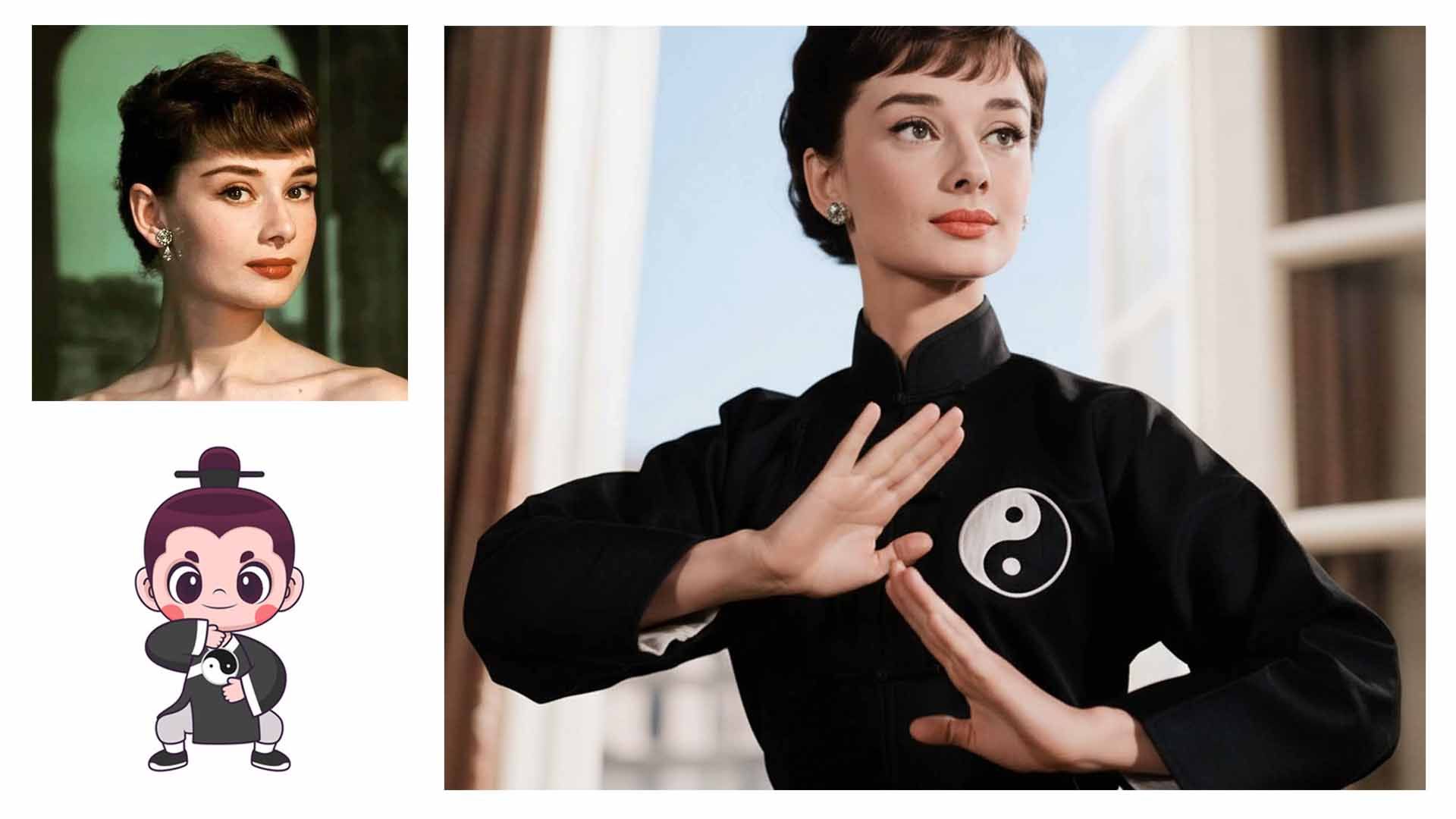
Nano Banana (Gemini 2.5 Flash Image) keeps characters consistent across different poses, outfits, or styles. Transform a person into new actions or scenes while preserving identity.
Try It Now
Understanding complex, nuanced prompts just like a language model makes editing intuitive and conversational.
Try It Now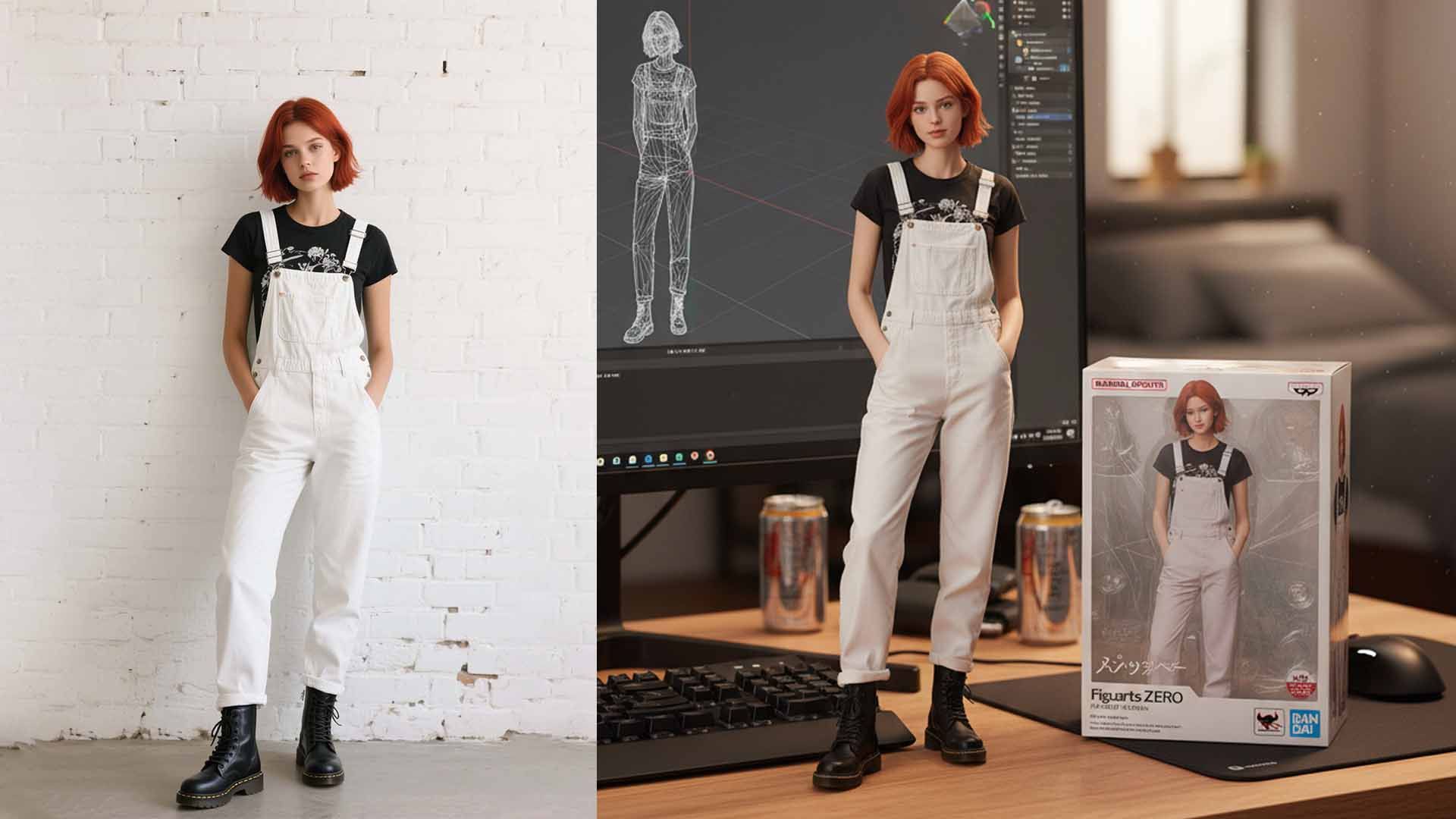
Create character figurines with unmatched consistency—Nano Banana preserves identity across poses, outfits, and styles, making it perfect for figurine modeling, avatars, and product visuals.
Try It Now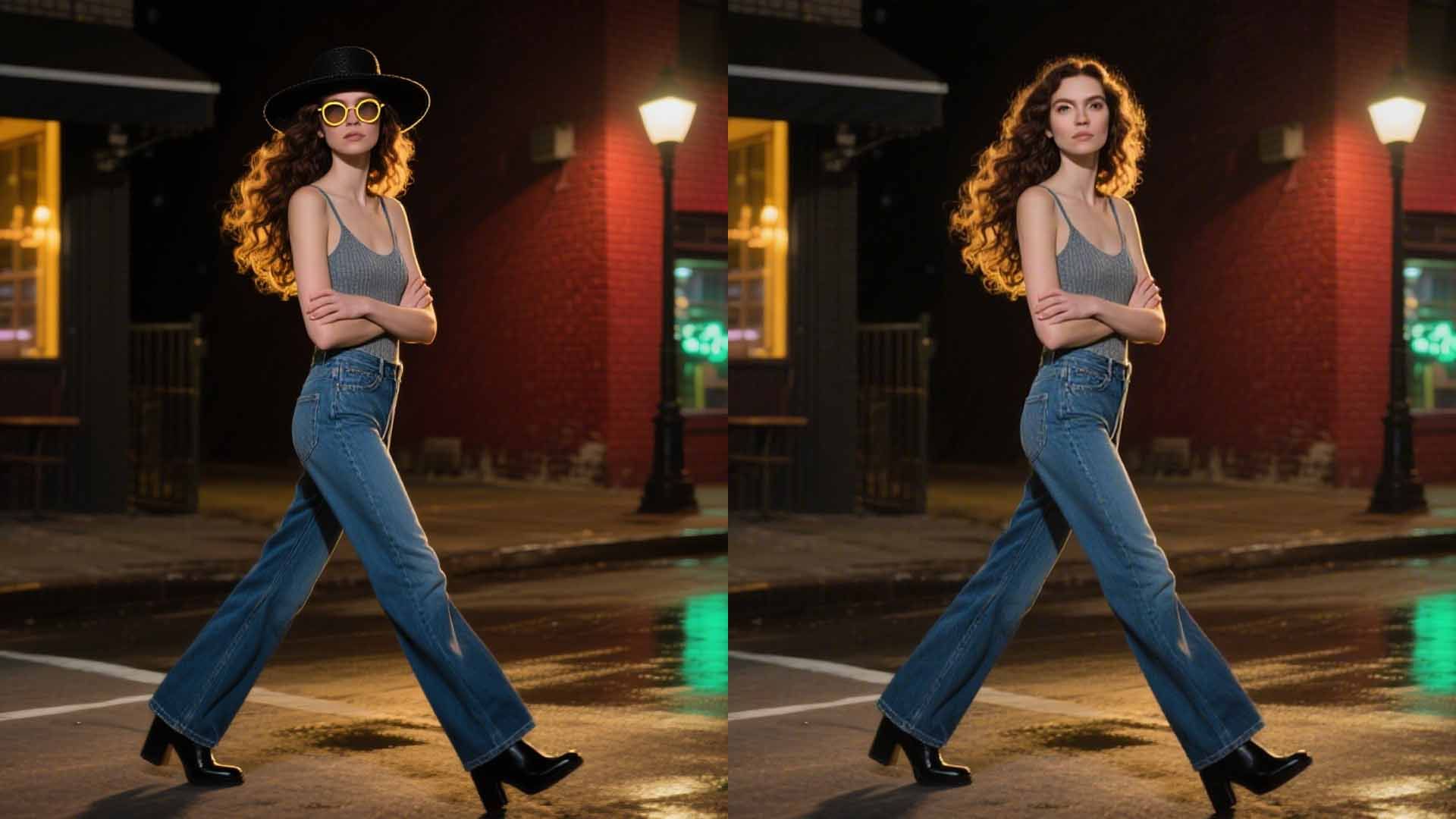
Nano Banana (Gemini 2.5 Flash Image) excels at both precise image editing and complex prompt understanding. Replace characters, adjust outfits, or alter entire scenes with high accuracy, while ensuring outputs stay faithful to your instructions.
Try It Now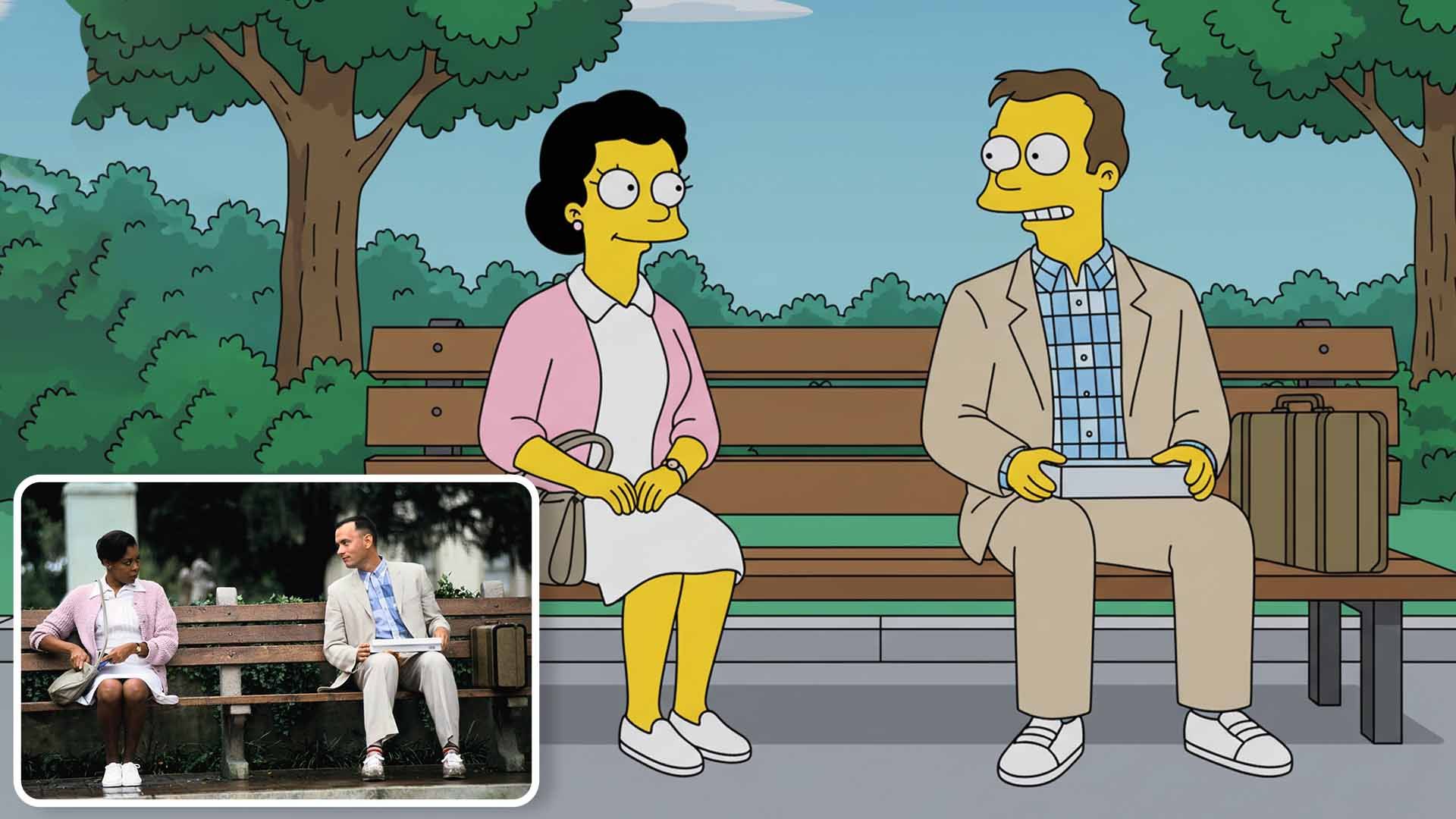
From photoreal portraits to anime styles and cinematic frames, Nano Banana adapts across diverse creative needs.
Try It NowEdit your images in three simple steps.
Describe the image you want to generate in detail, including style, colors, composition, etc. The more detailed, the better the result.
You can upload a reference image or select from examples. AI will generate new images based on both the reference and your description.
Click 'Generate Image' button, and the system will create high-quality images using Google Gemini AI. Generation usually takes 10-30 seconds.
Pay once, and unlock access to a wide range of powerful AI features — no need to pay per generation. Whether it's video creation, voice cloning, or image processing, everything is included. Create more, spend less.
Powered by HeadSwap's industry-leading technology our tools deliver natural, realistic, and detailed outputs. From visuals to audio, every result is crafted to match professional standards.
No usage limits — generate as much as you want, whenever you want. Experiment with styles, iterate freely, and bring all your creative ideas to life without worrying about running out of credits. Your creativity never hits a wall. Looking for more AI image options? Try GPT Image 2, Seedream 4.5, Nano Banana 2, or FLUX.2 on HeadSwap.
Nano Banana Pro (powered by Google Gemini 2.5 Flash Image) is an advanced AI image generation and editing model. It combines natural language understanding with high-fidelity image editing, supporting multi-image fusion, character consistency across scenes, and one-shot style transfers — available free on HeadSwap.
Upload an image and describe your desired edits in natural language. The AI understands complex instructions like 'place the creature in a snowy mountain' or 'change the outfit to a red dress while keeping the face identical.' It processes your prompt and generates the edited image in 3–5 seconds.
This model excels in character consistency, scene blending, and one-shot editing. Users report it 'completely destroys' Flux in preserving facial features and seamlessly integrating edits with backgrounds. It also supports multi-image context, making it ideal for creating consistent AI influencers.
Yes. Images generated with Nano Banana Pro on paid HeadSwap plans are cleared for commercial use — ads, social media campaigns, AI UGC content, marketing materials, AI influencer content, product photography, and client deliverables. Many creators use Nano Banana Pro to build consistent AI personas for brand work. You retain full ownership of the content, with no watermark, no attribution required, and no per-image royalties.
Nano Banana Pro handles complex edits including face completion, background changes, object placement and removal, outfit and accessory swaps, style transfers, character modifications, and lighting adjustments. It excels at contextual instructions like “place in a blizzard,” “complete the missing half of the face,” or “change the outfit to a red dress while keeping the identity” — while preserving photorealistic quality and consistent identity throughout.
No, an upload is not required. Nano Banana Pro supports both text-to-image generation and image-to-image editing. You can either type a prompt to generate from scratch, or upload one or more images to use as references, source content, or editing targets. For multi-image fusion and character consistency, providing reference images gives noticeably better results on HeadSwap.
Most Nano Banana Pro generations finish in 3–5 seconds, depending on image complexity, resolution, and the number of reference images. Edits and one-shot style transfers are similarly fast. That speed is what lets creators iterate in real time — try different outfits, swap backgrounds, or test multiple poses for the same character without long waits. Paid plan users get priority queue access on HeadSwap.
Yes. Nano Banana Pro supports iterative editing — you can take a generated image and keep editing on top of it as many times as needed, with consistent identity and style preserved across rounds. This is ideal for refining a hero shot, building a series of AI-influencer posts with the same character, or producing multiple variations for ad testing. There’s no per-edit limit on free or paid plans.
Yes. New users receive bonus credits on signup to start generating and editing with Nano Banana Pro immediately — no credit card required, no waitlist, and no Google Cloud account needed. There are no daily generation limits on the free plan. Paid plans are available for higher-volume usage, priority queue, and access to advanced features like multi-image fusion and full API access.
Multi-image fusion, character consistency, one-shot edits — try Nano Banana Pro free on HeadSwap in seconds.
Try Nano Banana Pro