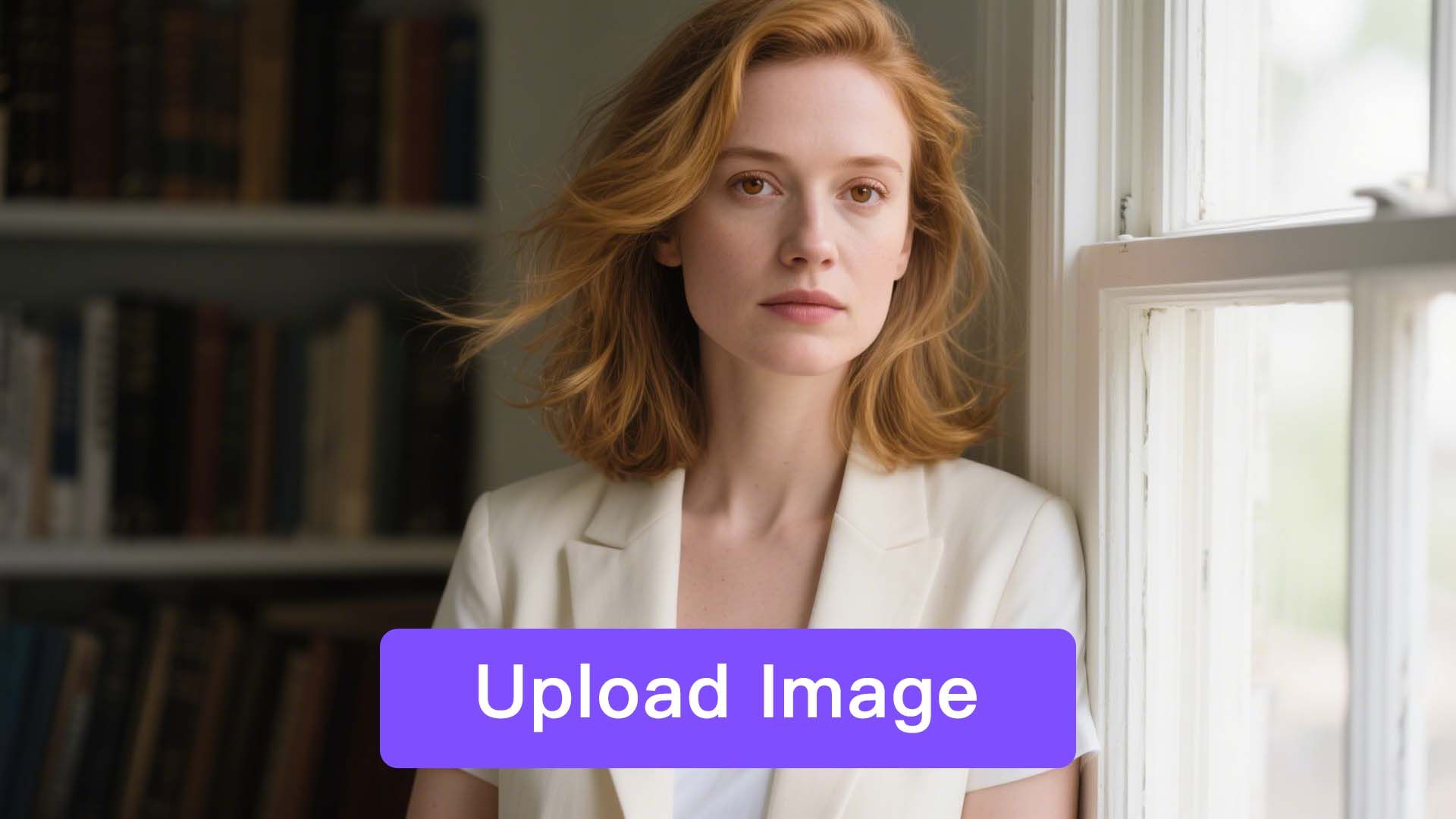
Step 1
Upload Your Photo
Simply identify a portrait image that you want to create a video with and upload it.

Powered by the new MultiTalk model, you can now turn any photo into a lifelike talking photo. Enjoy vivid expressions, natural gestures, and highly realistic lip sync.
From AI avatars to brand-ready presenters, MultiTalk powers diverse styles to meet every creative need.
Simply identify a portrait image that you want to create a video with and upload it.
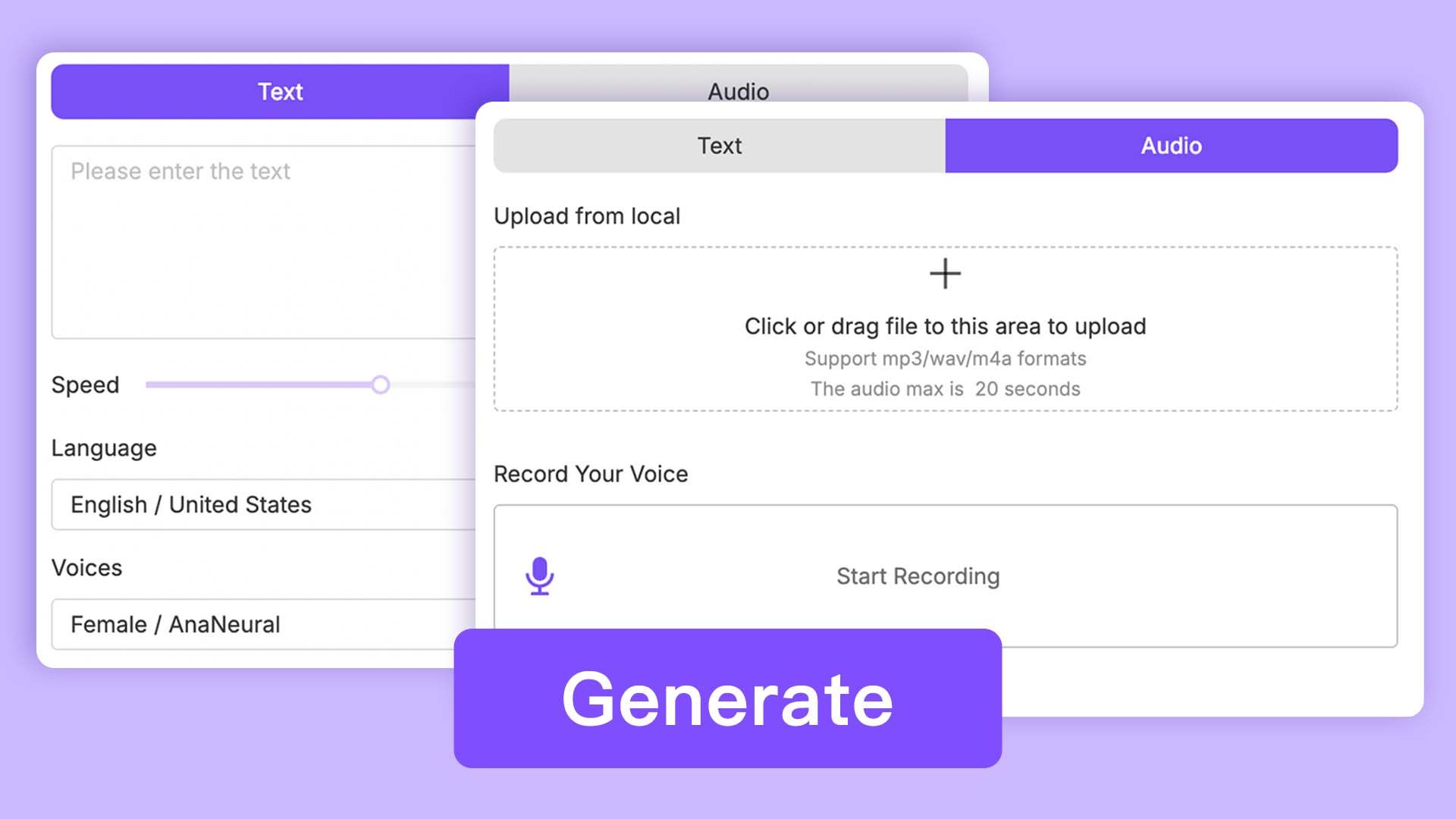
Add voiceover by either uploading an audio file directly or generating it via Text-to-Speech technology. You can pick one from the voice library or choose your cloned voice.
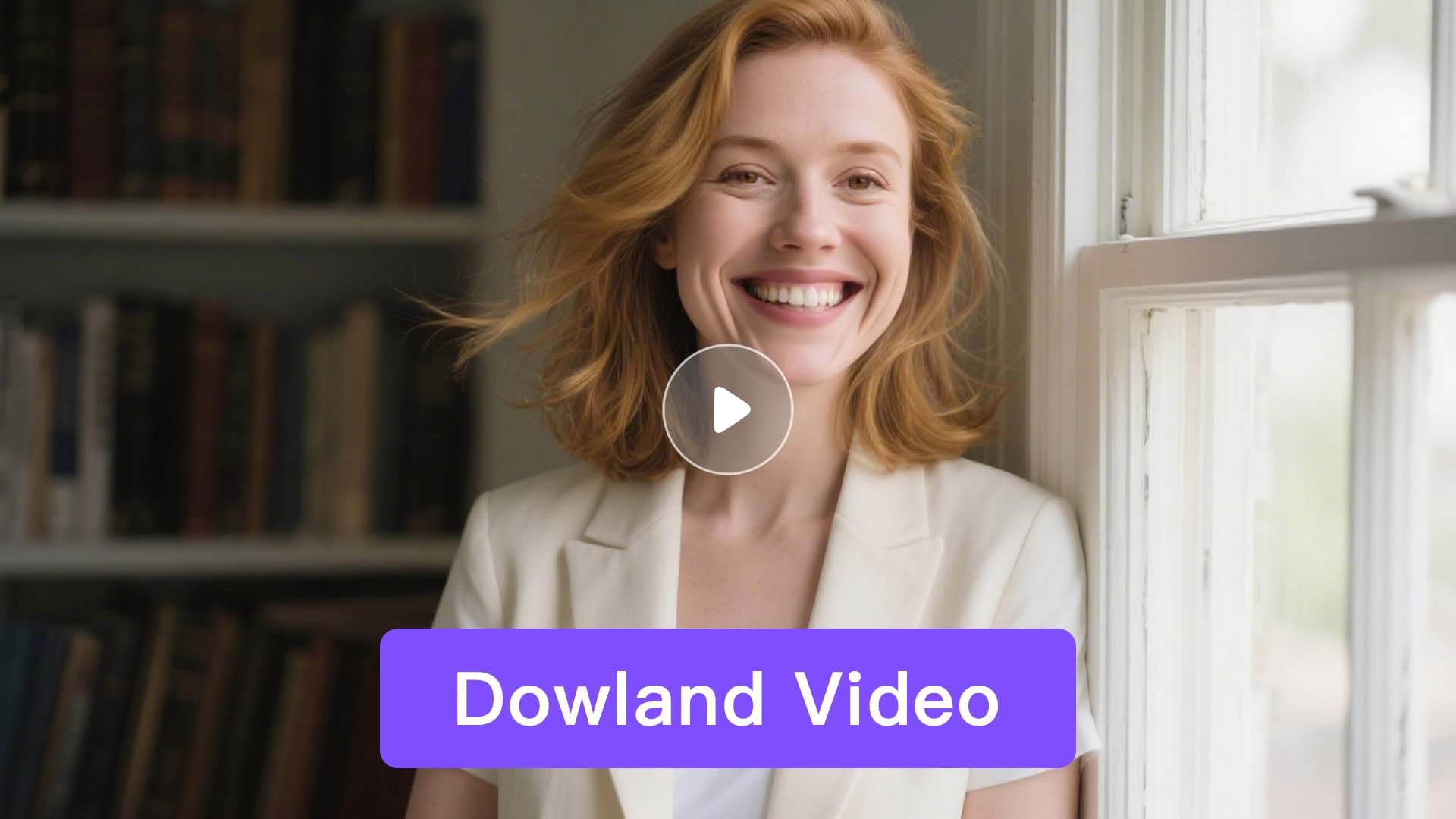
One click to animate your photo into videos with lip-synced and body movements naturally added. Once satisfied, export and download your final video.
HeadSwap offers an AI-powered tool to quickly and easily create talking photos.
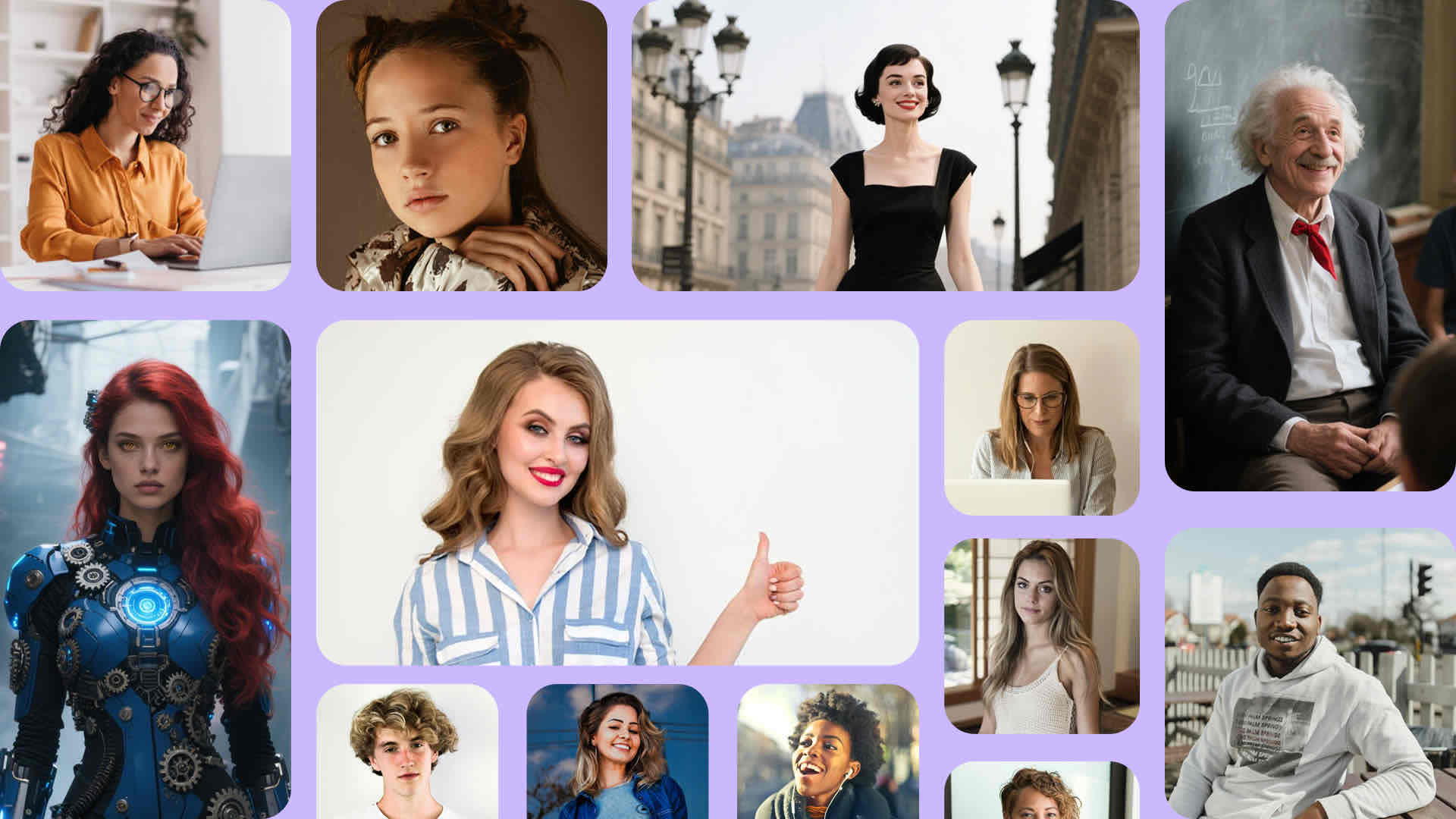
Whether it's real human, generated avatar, half-body portrait, or full-body shot, HeadSwap can bring them all to life with stunning realism.
Try It Now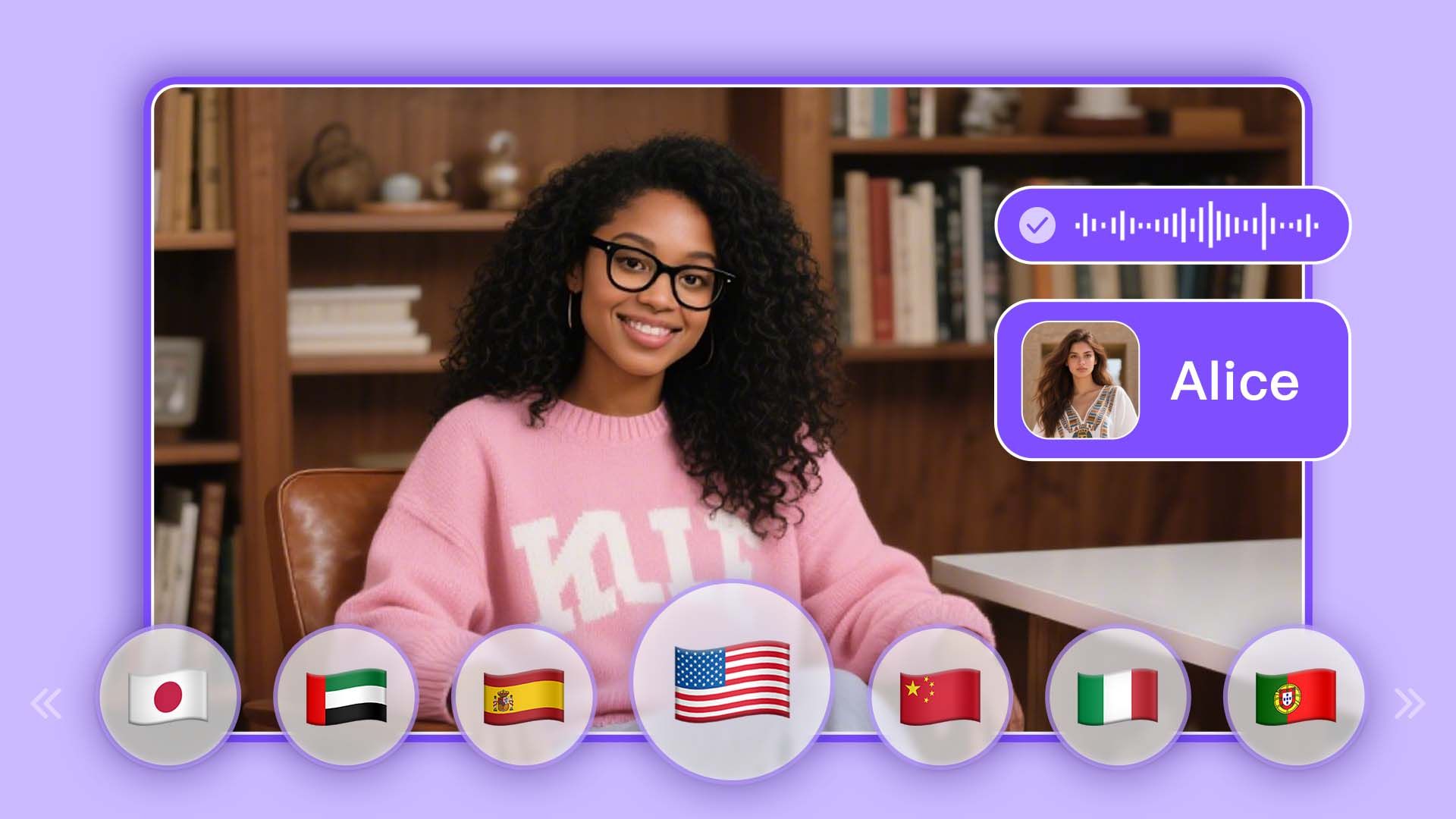
Upload recordings or files to create custom voices, or input text to generate lifelike speech using 300+ AI voices. Enables images to speak in any language, dialect, or even rap.
Try It Now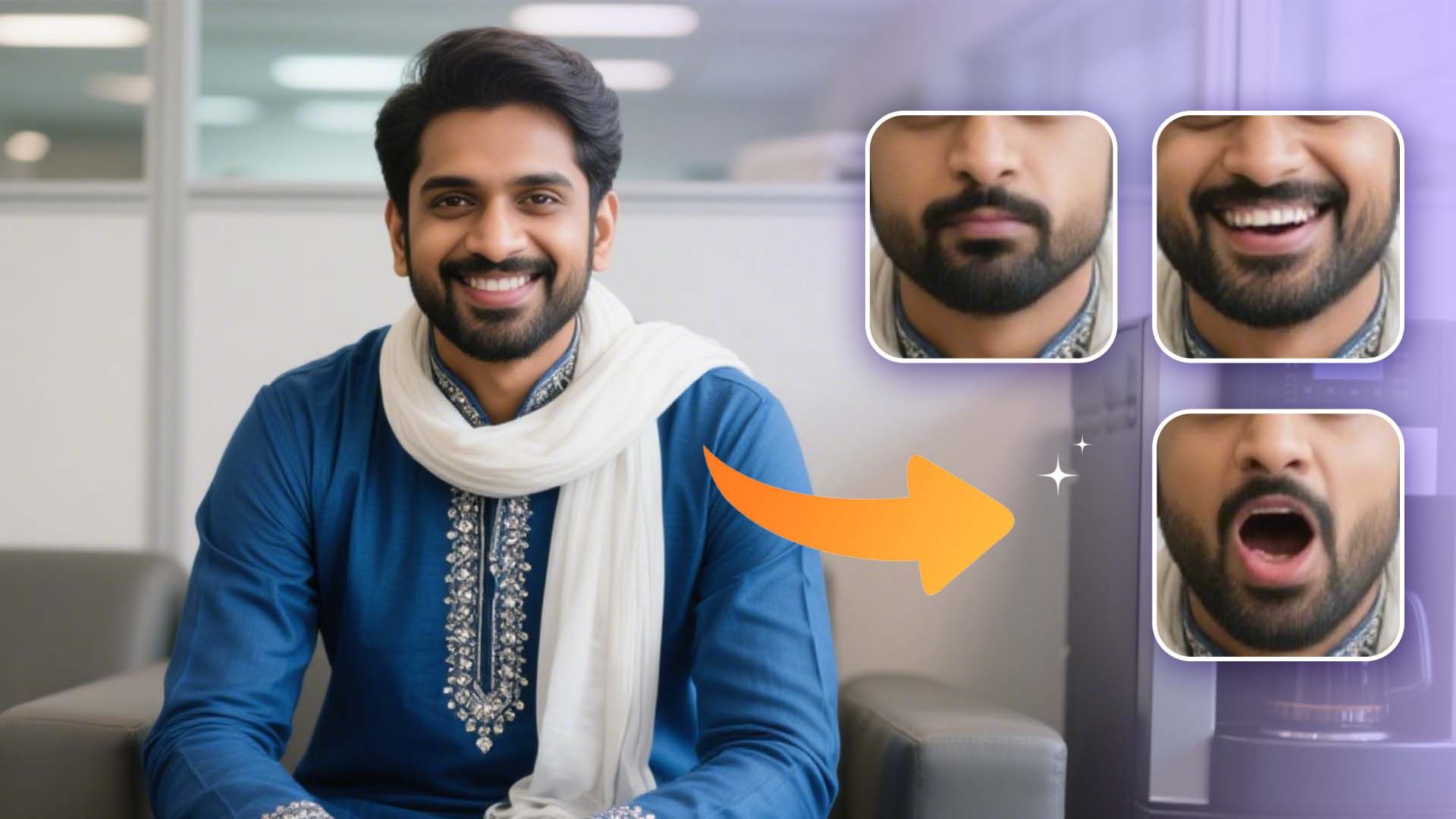
Achieve perfect synchronization between voice and lip movements with smooth, natural transitions. Supports any languages, dialects, and even rap.
Try It Now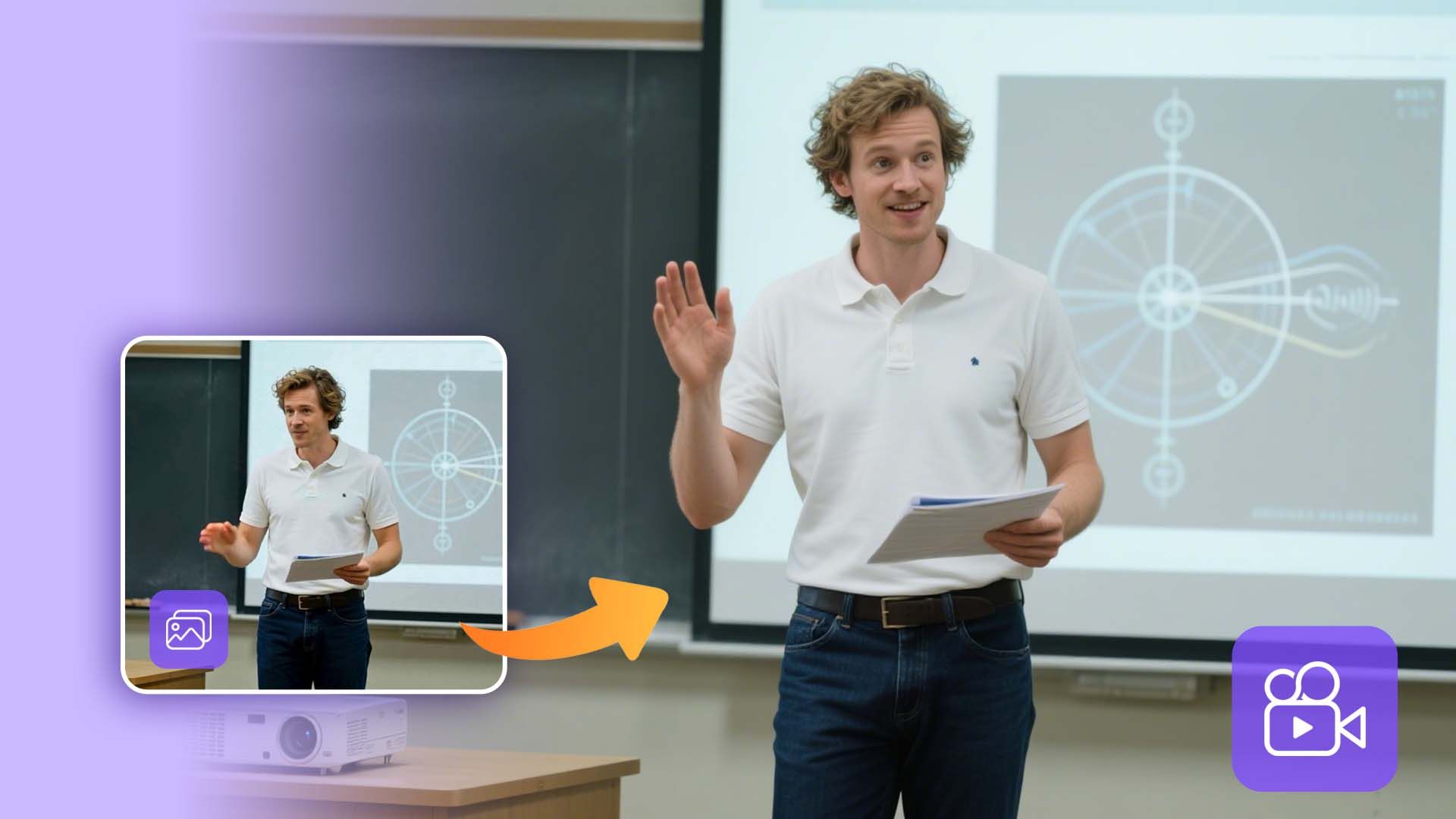
Turn your static images into dynamic, high-resolution videos with realistic facial expressions and smooth body movements that feel authentic and engaging.
Try It NowPay once, and unlock access to a wide range of powerful AI features — no need to pay per generation. Whether it's video creation, voice cloning, or image processing, everything is included. Create more, spend less.
Powered by HeadSwap's industry-leading technology our tools deliver natural, realistic, and detailed outputs. From visuals to audio, every result is crafted to match professional standards.
No usage limits — generate as much as you want, whenever you want. Experiment with styles, iterate freely, and bring all your creative ideas to life without worrying about running out of credits. Your creativity never hits a wall. Looking for more AI character tools? Try AI Avatars, Face Swap, Head Swap, Talking Photo, or Actor Animation on HeadSwap.
Bring images to life with MultiTalk — the AI talking photo tool for vivid, scalable communication.
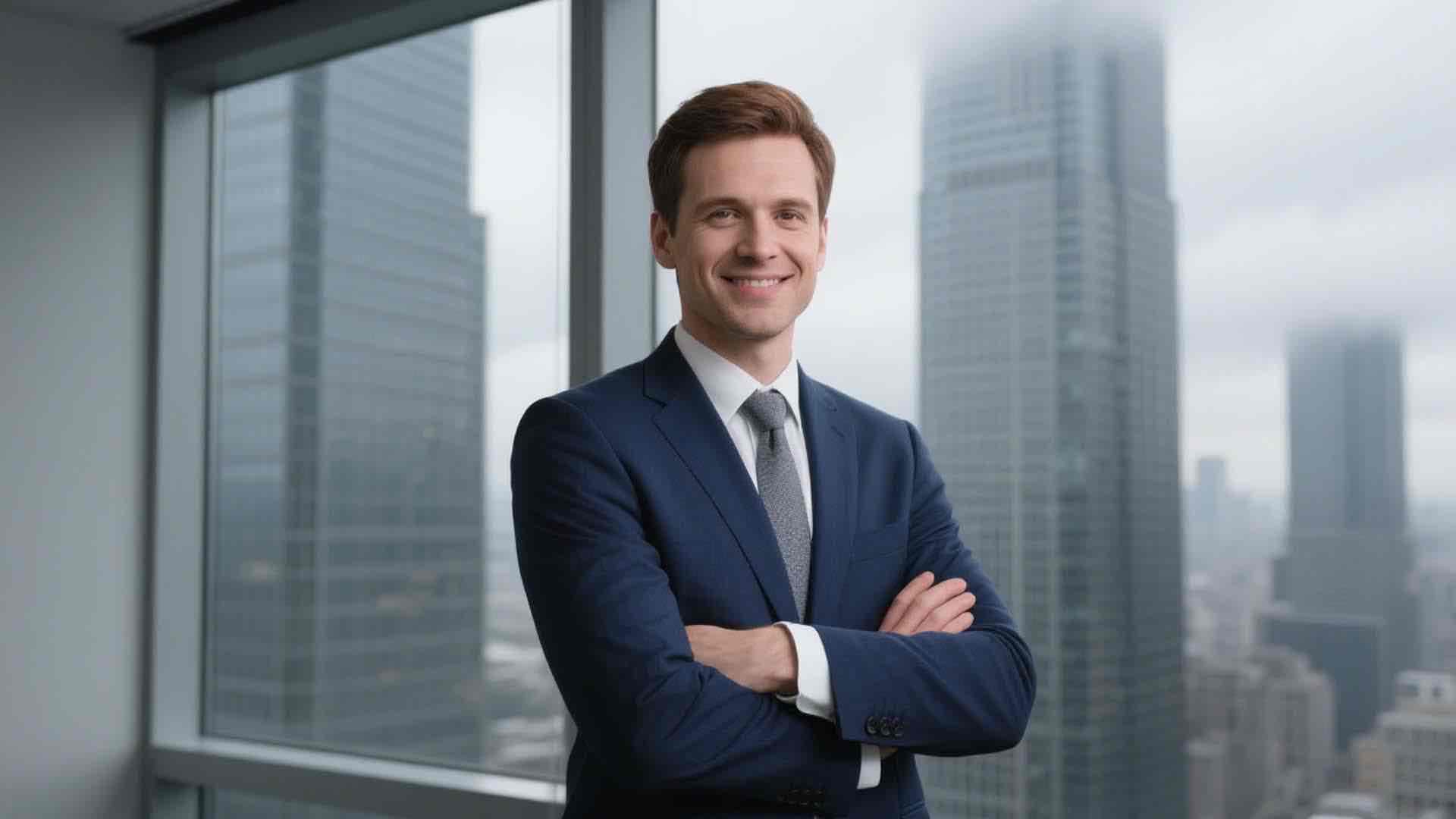
Create a speaking portrait video to promote your brand and introduce a new product or service. You can also use the talking avatar for onboarding, training or internal communications within corporate.
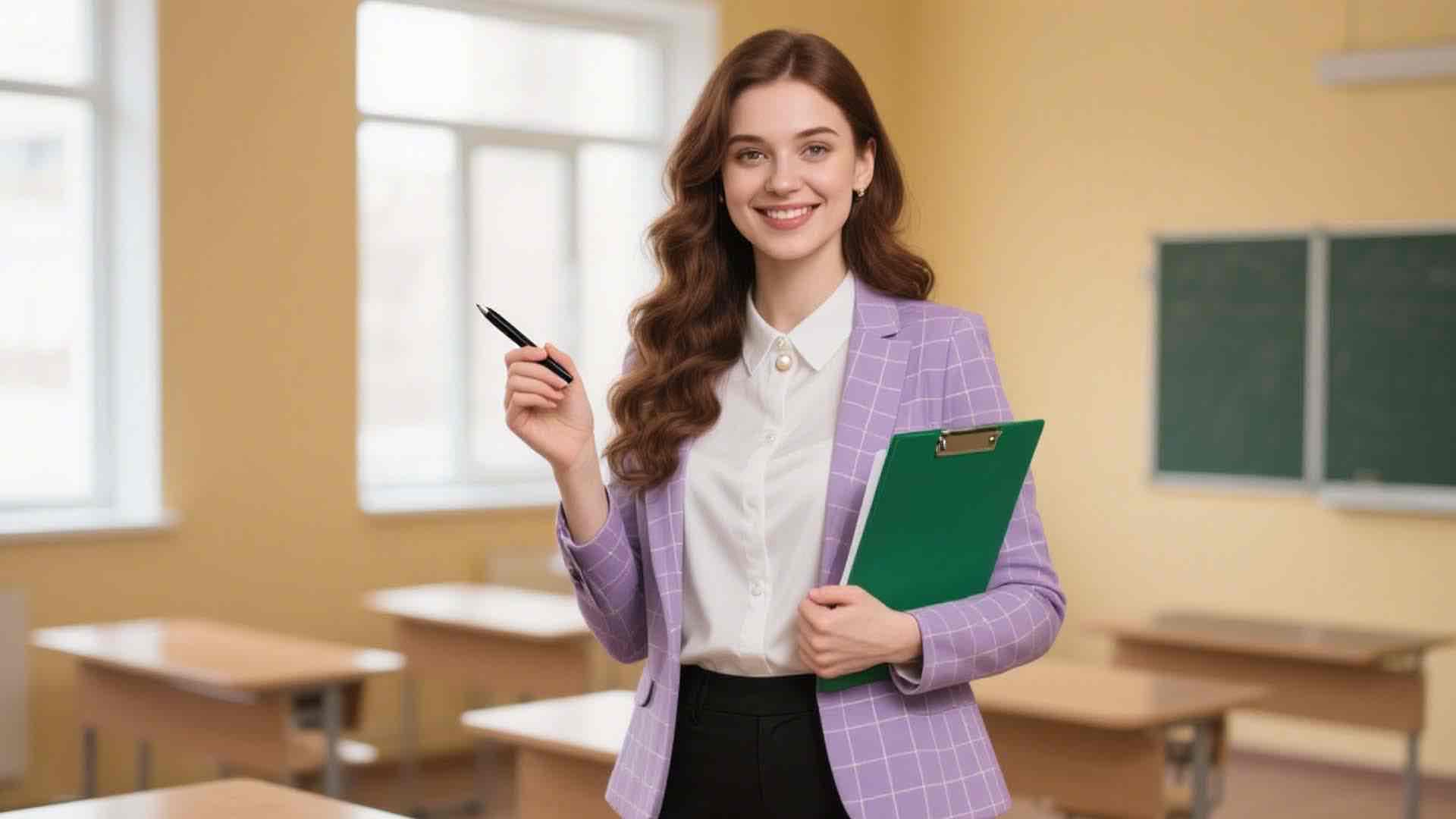
Transform teaching materials, documents into videos. Increase the efficiency to share your lectures, presentations across locations.

Provide solutions of how to use a product, how to troubleshoot an issue with talking head videos. Make customers help themselves easier.
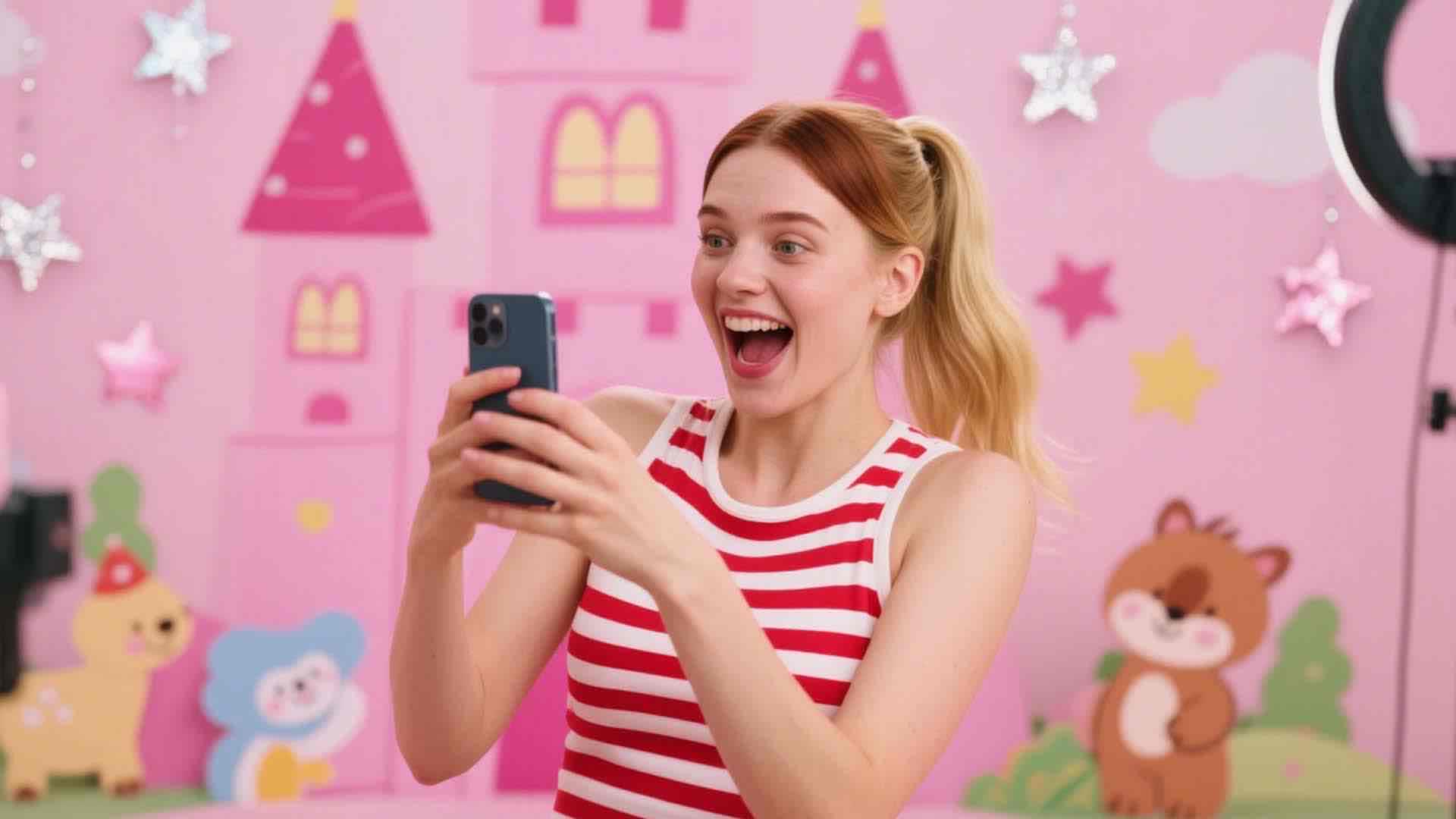
Share your talking avatar videos on Kwai, TikTok, Instagram, or YouTube to increase audience engagement. Add a creative and fun touch to your online interactions, bring your content to life, and make your social media presence more captivating!

James
Marketing Manager
Creating video ads was challenging — finding the right stock video was time-consuming and costly. HeadSwap lets us turn images into talking heads so realistic, no one knows they're AI-generated. It's faster, cheaper, and works in any language.

Elena Torres
Museum Curator
As a curator, I used HeadSwap to bring Dalí to life, letting him explain his works and share surreal stories. My colleagues were amazed by the demo, I'm excited about this innovative approach!

Ahmed
Teacher
HeadSwap made it super easy to make my image to speech with talking photos. My students love seeing me explain concepts but don't realize that it was my animated picture.

Priya Patel
Student
I missed my grandfather so much, and not being able to see him one last time is a great regret. When I saw him 'speak,' I burst into tears. For those with deep bonds, it's a powerful way to relive memories and find comfort.
The language support varies based on the input method you choose: Text-to-Speech Input: HeadSwap currently supports up to 29 languages, including English, Chinese, Spanish, Arabic, Russian, Portuguese, French, German, Korean, Japanese, Hindi, Thai, Vietnamese, Turkish, Filipino, Finnish, Czech, Danish, Dutch, Polish, Romanian, Slovak, Swedish, Croatian, Indonesian, Italian, Bulgarian, Greek, Malay, Tamil, Ukrainian. Audio Uploads: HeadSwap supports any language and dialect, allowing for unlimited flexibility.
At the moment, HeadSwap Talking Photo supports animating one face per photo. For multi-character dialogue scenes, you can generate separate clips for each speaker and combine them in your editor, or use HeadSwap’s AI avatar tool with MultiTalk for two-character dialogue videos. Multi-face simultaneous animation is on the roadmap for a future release.
Yes. HeadSwap is built with strict privacy and security standards — your uploaded photos are processed securely, never used to train any model, and auto-deleted after generation. There’s no virus, no malware, and no data leak. Creators worldwide use HeadSwap Talking Photo for ads, education, and social content without worrying about facial data exposure. For special compliance requirements, contact the HeadSwap team.
There are two possibilities: 1. Your photo doesn’t meet our requirements. You must upload a clear front face image under 10MB. Photos with facial occlusion will fail to pass our moderation process. Don’t worry, we will inform you when your photo can’t be recognized. Upload a qualified one to try creating again. 2. Your script includes inappropriate or sensitive information. It is suggested to use a script with formal, moderate and positive words. If some illegal and restricted content appears, such as sexual abuse, fraud scheme, terrorism & violence, private information, you can’t create the talking avatar video successfully.
Yes. Videos created with HeadSwap Talking Photo on paid subscription plans can be used for commercial purposes — product explainers, ad campaigns, training and onboarding videos, social media content, and customer-support tutorials. You retain full ownership of the output, with no watermark and no per-clip royalties. For high-volume creators, the Premium plan unlocks priority generation and higher daily limits.
Yes. New users receive bonus credits on signup so you can start creating talking photos with MultiTalk immediately — no credit card required and no waitlist. There are no daily generation limits on the free plan. Paid plans are available for higher-volume usage, priority queue, and commercial rights. Talking Photo runs fully online on HeadSwap — no installation, no GPU, no API key required.
A talking photo is a static image enhanced with AI to simulate human-like speech and expressions, transforming it into a dynamic and engaging character. It’s perfect for e-learning, greeting videos, product explainers, customer service, and more, by generating realistic voiceovers and animations based on a portrait with audio. This simple, efficient, and budget-friendly way to create content adds a personal touch and helps build stronger connections at scale with ease.
Yes. HeadSwap Talking Photo supports all types and styles of photos — real humans, AI-generated avatars, half-body portraits, full-body shots, and expressive poses. The MultiTalk model animates them all with vivid expressions, natural gestures, and ultra-realistic lip sync. You can even animate stylized characters — cartoons, paintings, illustrations — as long as the face is clearly visible and unobstructed.
HeadSwap Talking Photo currently supports generating videos up to 1 minute in length per generation. For longer narratives, you can chain multiple Talking Photo generations together and combine them in any video editor, or pair Talking Photo with HeadSwap’s AI avatar tool for longer-form spokesperson content. Higher daily limits and priority queue are available on Premium plans for high-volume creators.
Turn any portrait into a lifelike talking video in minutes with MultiTalk on HeadSwap.
Create Talking Photo