Background Music
AI matches the rhythm of your video.

Experience Video to Audio. Upload your silent video, let AI create the perfect soundtrack, and download ready-to-share content in seconds.
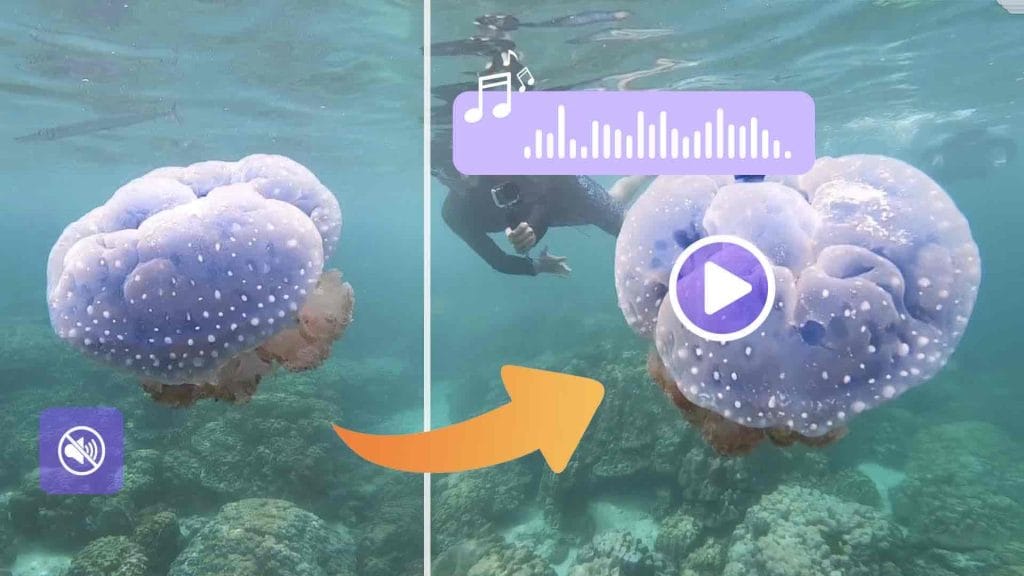
AI matches the rhythm of your video.
Add realistic Foley and ambient sounds.
Smart Chain-of-Thought reasoning for human-like results.
Use audio safely for commercial projects.
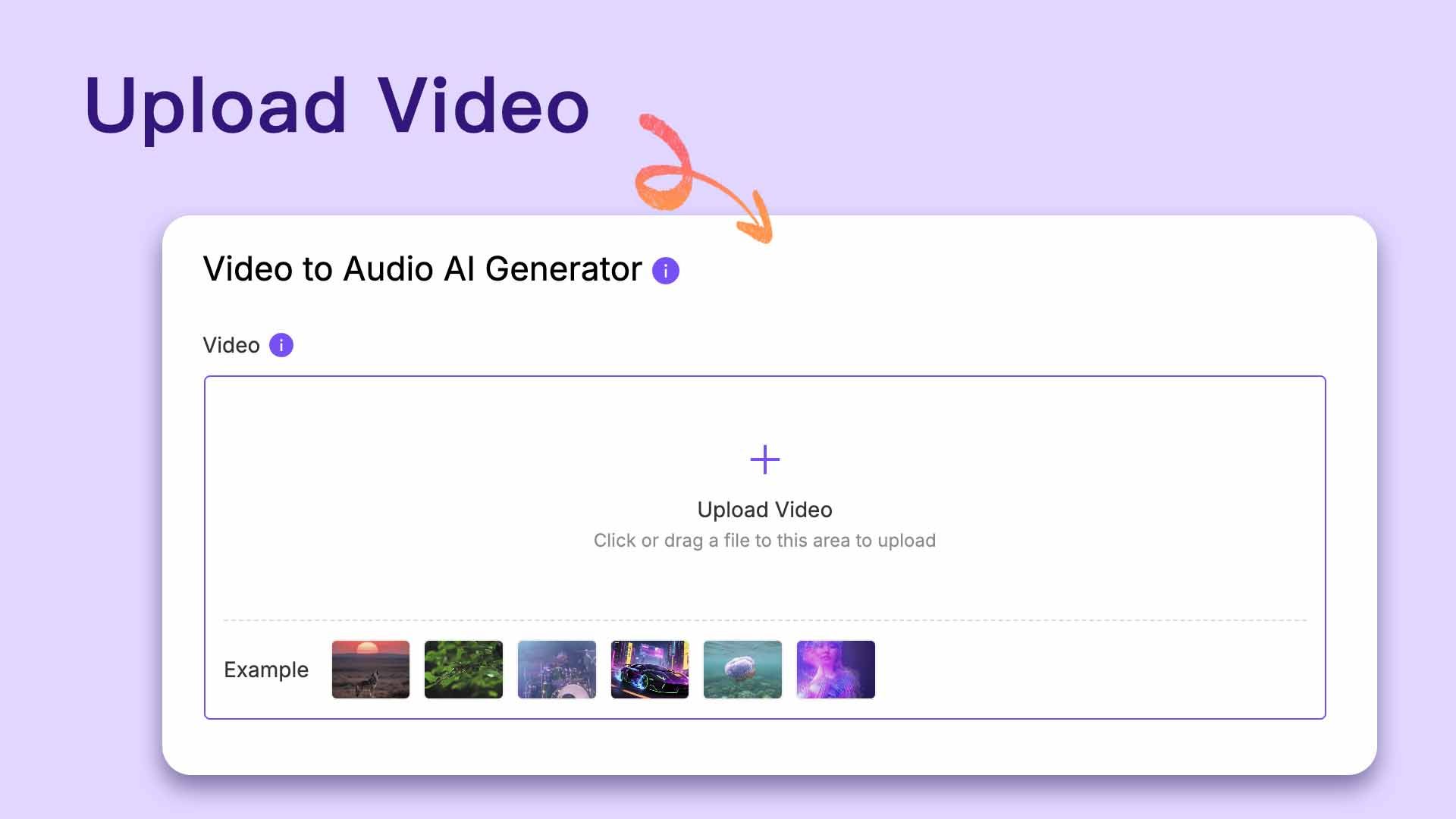
Simply drag and drop your video, no format worries.
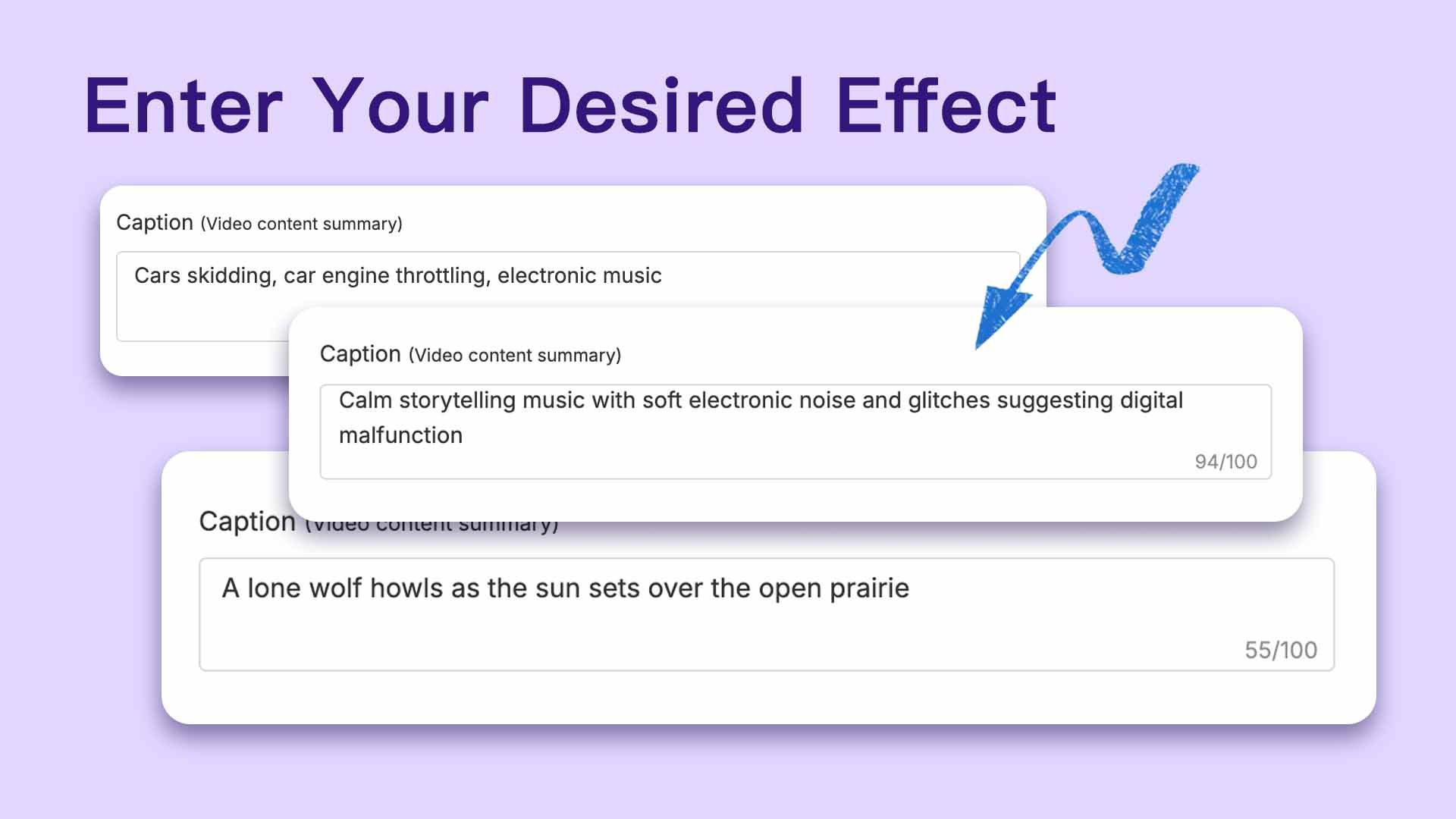
Describe the mood or style you want—let AI know your vision.
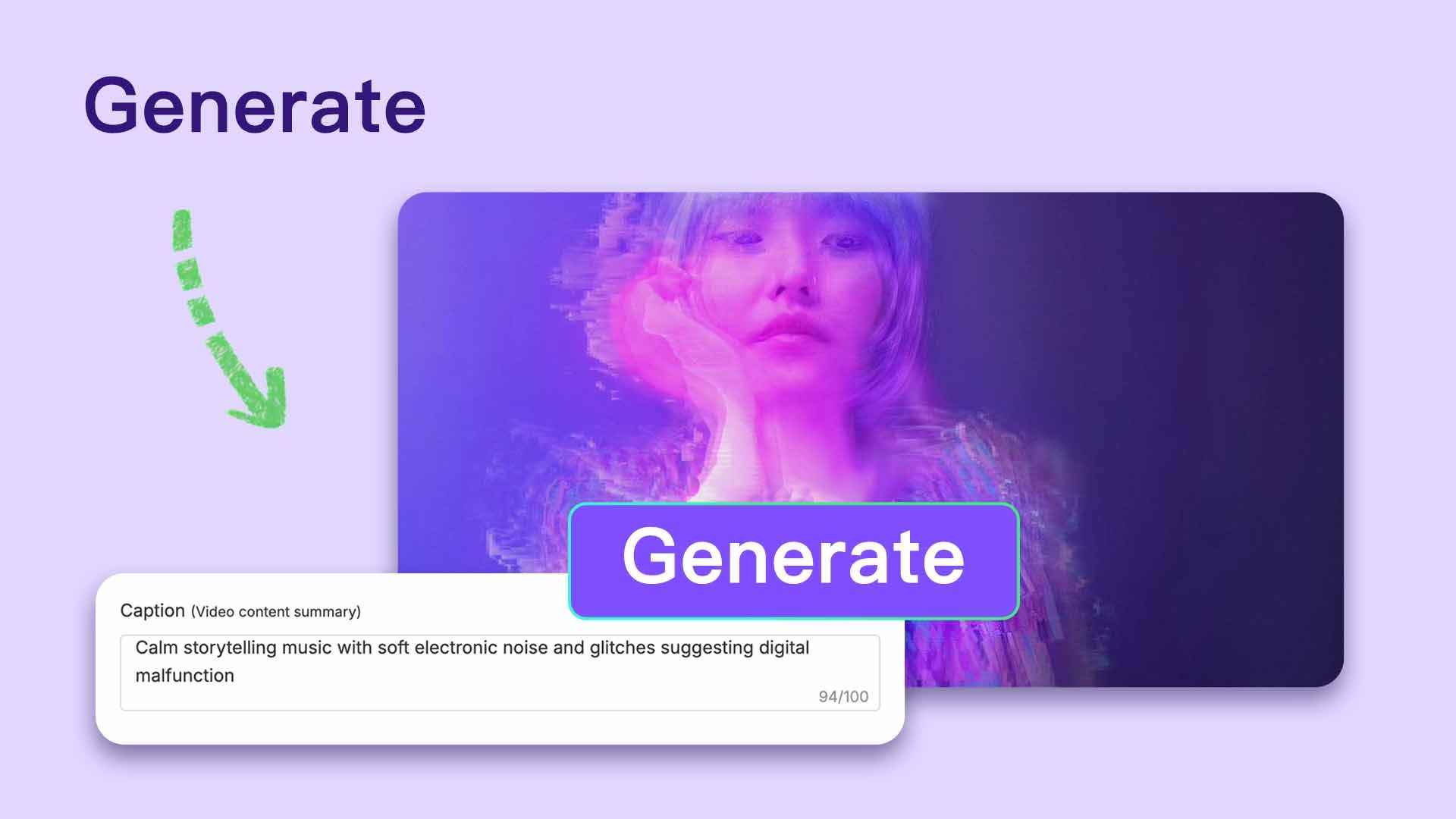
ThinkSound AI instantly produces music and sound effects for your video.
Listen, make adjustments if needed, and download your completed video.
Unlike basic tools, ThinkSound uses multi-stage AI reasoning to deliver professional soundtracks:
This makes our video to audio solution the most flexible and powerful option for creators.
Pay once, and unlock access to a wide range of powerful AI features — no need to pay per generation. Whether it's video creation, voice cloning, or image processing, everything is included. Create more, spend less.
Powered by HeadSwap's industry-leading technology our tools deliver natural, realistic, and detailed outputs. From visuals to audio, every result is crafted to match professional standards.
No usage limits — generate as much as you want, whenever you want. Experiment with styles, iterate freely, and bring all your creative ideas to life without worrying about running out of credits. Your creativity never hits a wall — and you can pair this tool with AI Text to Image, Kling 3.0 video, and AI Avatars for an end-to-end workflow.
You can use AI-generated music and audio from HeadSwap across virtually any project — YouTube videos, podcasts, games, short films, trailers, AI art reels, social media content (TikTok, Reels, Shorts), audiobooks, advertisements, livestreams, e-learning videos, and client deliverables. With a paid plan you also gain a perpetual non-exclusive commercial license, so you can monetize content built on HeadSwap audio without worrying about copyright strikes or per-clip royalties. HeadSwap retains ownership of the underlying model and library.
You get a non-exclusive perpetual licence for the generated and downloaded track. This licence gives you the rights to use the music for your video or audio content (podcast, talk show, audiobook) and monetise the content worry-free. However, HeadSwap will still be the owner of the tracks generated and downloaded from the AI music creator.
HeadSwap Video to Audio stands out by combining advanced contextual understanding, real-time scene analysis, and the ThinkSound multi-stage reasoning engine. While most audio generators only attach generic background music, HeadSwap analyzes what’s happening on screen — footsteps on different surfaces, traffic density, weather, emotion — and generates matching foley, ambient sound, and music in one pass. The result is a soundtrack that feels naturally composed for your specific clip, not a stock loop dropped on top.
HeadSwap Video to Audio uses ThinkSound, a multi-stage reasoning AI that first analyzes visual content (objects, motion, scene, mood), then plans a layered soundtrack of foley, ambient noise, and music aligned to on-screen action. You can guide the generation with simple text prompts — “make it cinematic,” “add suspense,” “softer ambience” — and refine specific sounds by clicking on objects in the timeline. The final audio is rendered in sync with your video frames for natural, polished output.
Yes. HeadSwap Video to Audio supports MP4 and MOV videos up to 30 seconds per generation. Whether you’re working with short social clips, ad creatives, animation loops, or longer scene segments, ThinkSound delivers consistently natural-sounding output. For longer projects, generate audio in 30-second chunks and combine them in your editor — the model maintains audio style and mood continuity across segments when given consistent prompts.
Upload a silent clip, describe the mood, and let ThinkSound AI score it in seconds — free credits on sign-up.
Try Video to Audio for Free

