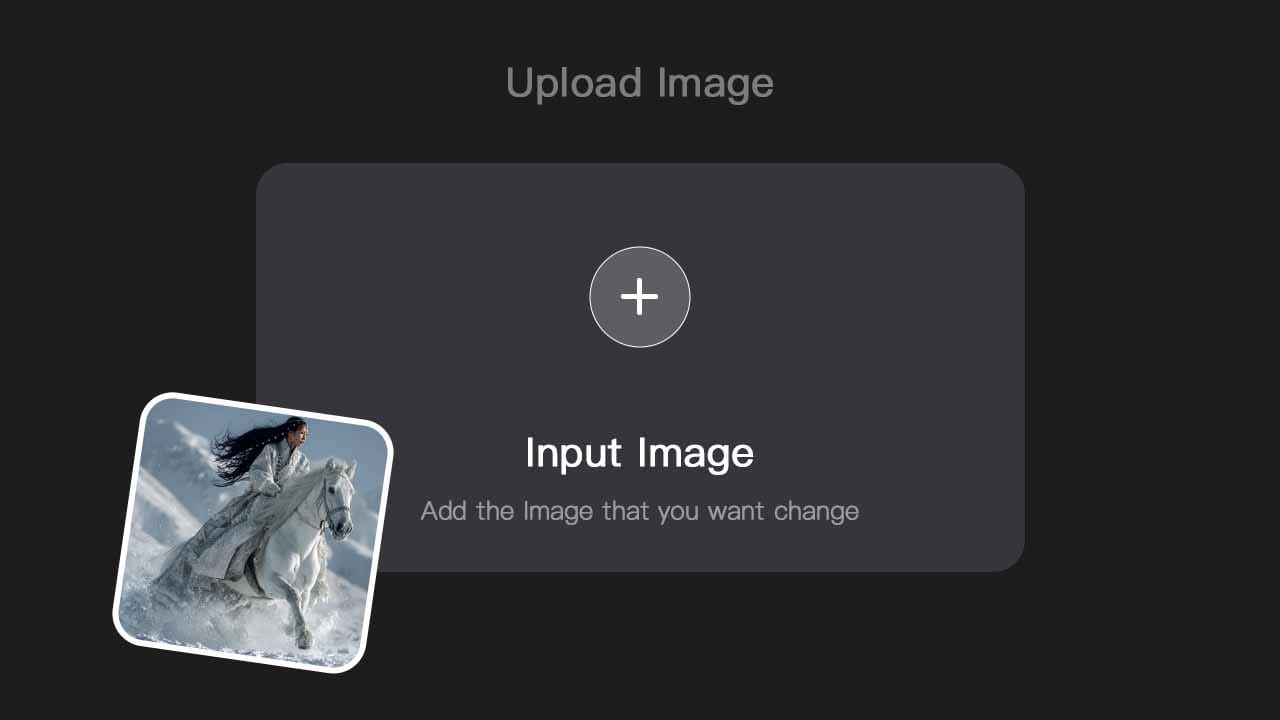
STEP 1
Upload Image
Pick the image you want to animate. We keep your pose, layout, and lighting so the video stays true to what you had in mind.

Get video from a single image in 5–15 seconds. Your layout and composition stay intact—no warping. Add optional audio and motion syncs to the beat. Wan 2.6 Flash on HeadSwap.
One image to video in three steps
Pick the image you want to animate. We keep your pose, layout, and lighting so the video stays true to what you had in mind.
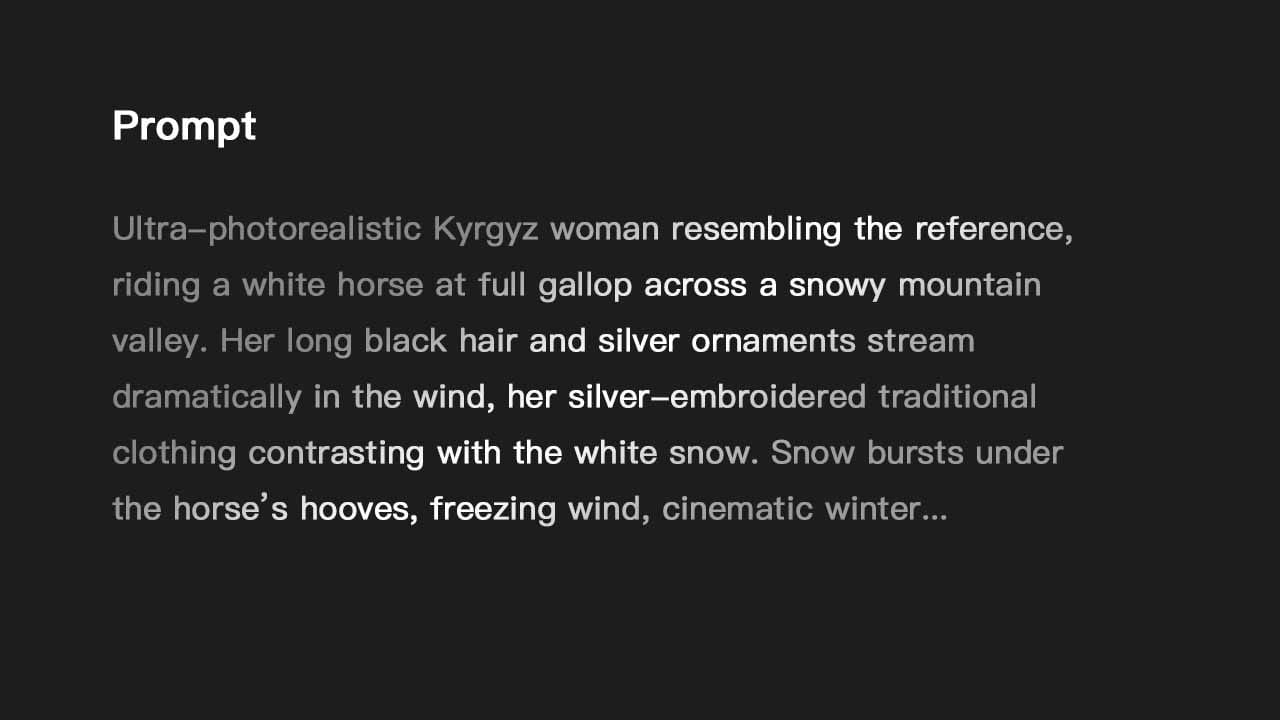
Describe the motion or scene. Add a track if you like—motion will follow the beat. Choose duration, aspect ratio, and resolution.
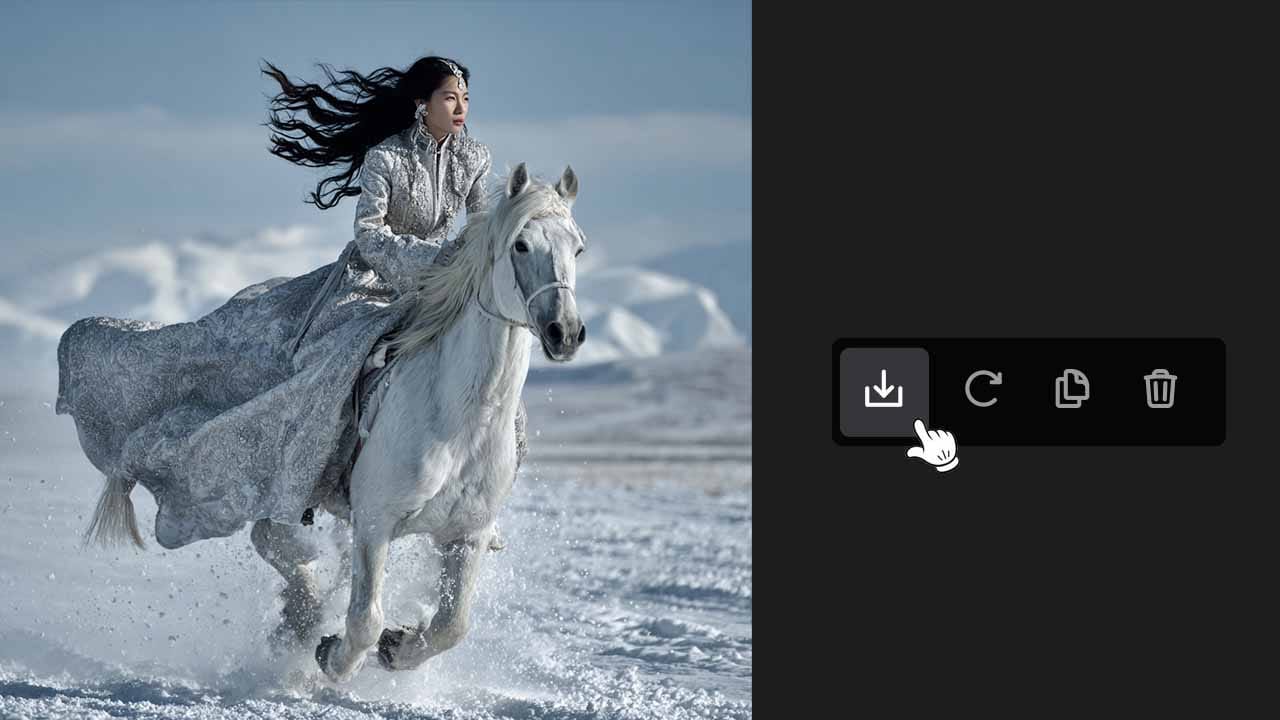
Hit generate. Your clip is ready in 5–15 seconds. Download in HD and drop it into social, ads, or any project.
Wan 2.6 Flash turns your intent into high-fidelity video with synced audio — instantly, no post-production needed.
Create 'talking head' content where lip movements and facial micro-expressions sync perfectly to your audio.
Describe a full scene, Wan 2.6 handle camera transition and generates 15 second video.
The model locks onto your motion, allowing for 'reshoots' where the performance stays but the world changes.
Generate commercial-grade product shots with accurate fluid dynamics and gravity.
Professional Results, Effortlessly
Create stunning, professional 4K videos from your images for free. HeadSwap's advanced AI makes it easy, delivering sharp visuals and smooth animations every time.
Seamless Character Continuity
Our AI keeps faces consistent and true-to-life throughout your video, with natural expressions and identity always aligned for a more believable result.
Simple and intuitive UI
Experience the ultimate ease of transforming your photos into short videos with just a few clicks and a simple prompt, no technical skills or prior video editing experience are required. Want to compare more AI video models? Try Sora 2, Veo 3.1, or Grok Imagine on HeadSwap.
Wan 2.6 Flash supports output up to 1080p, with multiple aspect ratios including 16:9, 9:16, and 1:1 for landscape, portrait, and square formats. That covers YouTube, TikTok, Reels, Shorts, Instagram feed, and ad-network requirements out of the box. For higher resolution, pair Flash with HeadSwap’s AI upscale tool to push clips up to 4K without re-rendering.
Wan 2.6 Flash is a fast, low-latency version of the Wan 2.6 image-to-video model. You get video from a single image in 5–15 seconds while your layout, pose, and composition stay intact. Same core quality as the full model, with much faster turnaround.
Wan 2.6 Flash is the speed-optimized version. It generates a 15-second video from a single image in 5–15 seconds, compared to longer wait times on the full Wan 2.6 model. Flash preserves the same core quality — layout, pose, lighting — but is designed for faster iteration, higher-volume workflows, and real-time creative feedback.
Yes. New users receive bonus credits on signup so you can test Wan 2.6 Flash immediately — no credit card required and no waitlist. There are no daily generation limits on the free plan. Paid plans are available for higher-volume usage and priority processing. Flash runs fully online on HeadSwap — no Alibaba account, no API key, no GPU, and no local setup required.
Most Wan 2.6 Flash clips finish in 5–15 seconds per clip, depending on duration and settings. That’s fast enough to iterate in real time — try different prompts, show clients live options, and run higher-volume image-to-video workflows without long waits. Paid plan users get priority queue for even quicker turnarounds, making Flash ideal for ad iteration, social posting, and rapid creative testing on HeadSwap.
Yes. Wan 2.6 Flash keeps your original pose, depth, lighting, composition, and framing intact while adding motion. There’s no warping or identity drift, so subjects stay where you placed them and faces stay recognizable. This makes Flash a reliable choice for product photography, portraits, e-commerce stills, and any image where the original composition was carefully designed.
Yes. Videos generated with any HeadSwap paid subscription plan can be used for commercial purposes — ads, social media monetization, client deliverables, product marketing, and more. You retain full ownership of the content, with no watermark, no attribution required, and no per-clip royalties. For high-volume commercial workflows, the Premium plan unlocks priority generation and higher daily limits.
Yes. Turn on the audio option and Wan 2.6 Flash will generate synchronized sound — motion is paced to the beat and ambient cues match the visuals. The output is ready to publish without separate sound design or post-production. For music-driven clips, you can supply a track and Flash will sync camera movement and subject motion to the beat, making it easy to produce TikTok, Reels, and ad-ready content in one pass.
Single image → HD video in 5–15 seconds, with audio sync and your composition intact. No setup, no waitlist.
Try Wan2.6 Flash

